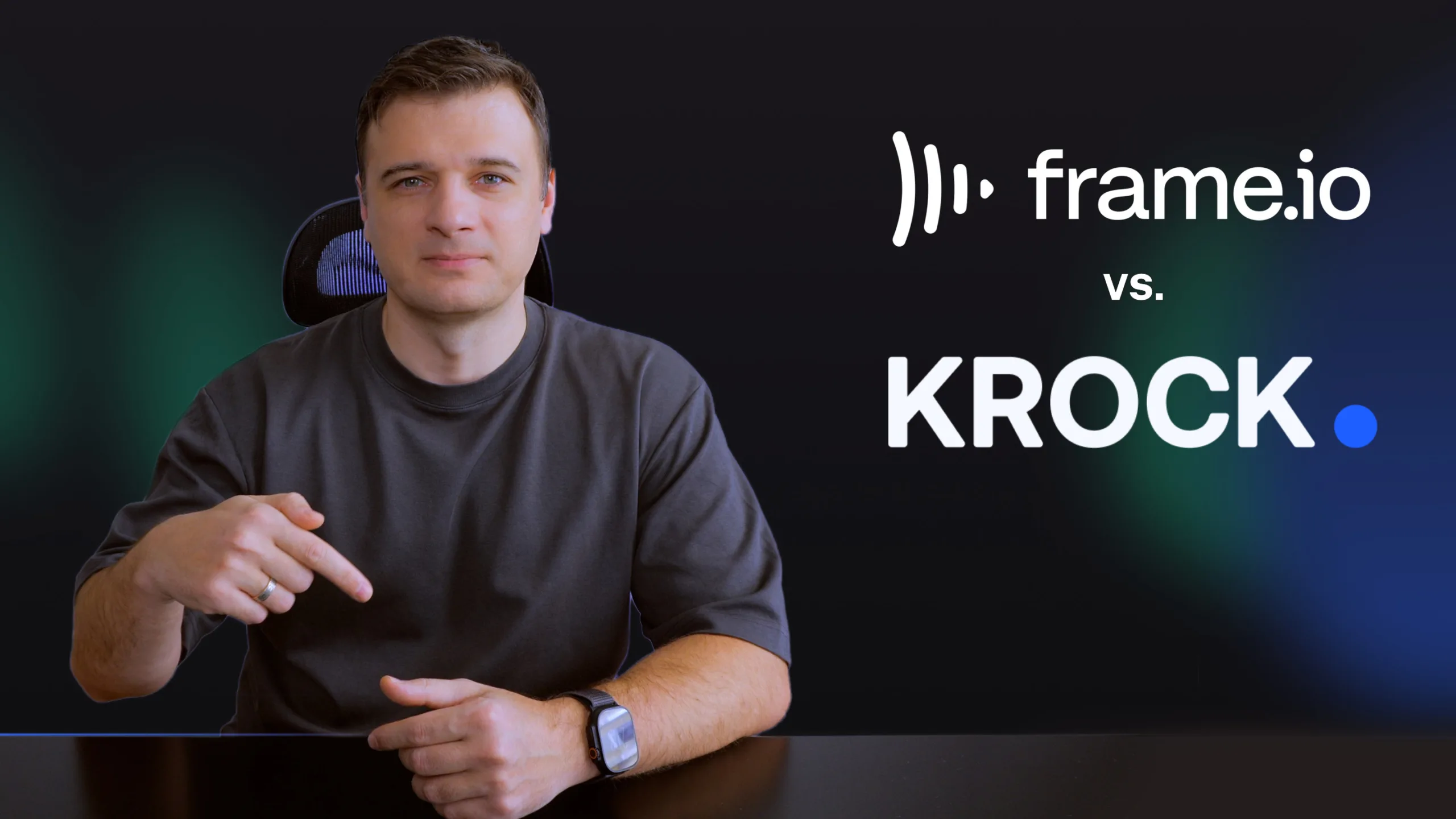
If you’re evaluating a Frame.io alternative, here’s exactly how the two platforms compare — and where Krock.io fits teams that Frame.io doesn’t.
No credit card required · Unlimited reviewers from day one
Frame.io is a capable review tool, and for teams fully inside the Adobe ecosystem with a modest number of internal reviewers, it works. Teams typically start looking for an alternative for one of a few specific reasons.
Broader access for clients, stakeholders, and collaborators can require paid seats. For teams with many people who need more than comment-and-approve access, those additional seats can make costs grow quickly.
Teams that need to plan and get early sign-off on a concept before production starts have to do that work somewhere else entirely.
Frame.io’s strongest integrations remain within the Adobe ecosystem. Its DaVinci Resolve integration is now Legacy-only, while Final Cut Pro support has limitations in V4. Teams working across different editing environments may want a platform with current native integrations across all three.
| Krock.io | Frame.io | |
| Entry plan pricing | $10/user/month | ⚠️ $15/user/month (Pro) |
| Larger-team pricing | Flat-fee Unlimited, from $400/mo | ⚠️ $25/user/month (Team) |
| Unlimited reviewers on every plan | ✅ | Free via Review Links |
| Video, image, audio & PDF review | ✅ | Primarily video/image |
| Storyboarding & animatics | ✅ | ❌ |
| Production workflow (stages, tasks, deadlines) | ✅ | ❌ |
| Gantt-style project planning | ✅ | ❌ |
| Comment-to-task conversion | ✅ | ❌ |
| Adobe Premiere Pro / After Effects | ✅ | ✅ |
| DaVinci Resolve | Native / current | Not supported in V4; Legacy only |
| Final Cut Pro | Native / current | Exists, but limited in V4 |
| AI-generated storyboards | ✅ | ❌ |
Both platforms give reviewers frame-accurate, time-stamped comments and on-screen drawing tools. Krock extends review to images, PDFs, and audio in the same project — useful when a campaign includes more than just a video cut.
Krock charges per creator seat and never charges for reviewers — clients, stakeholders, and approvers are unlimited and free on every plan, including Free. Frame.io also offers free reviewer access through Review Links; the real difference shows up in broader collaboration — Frame.io’s paid seats cover Team Members and Collaborators who need more than comment/approve access.
Krock includes customizable pipeline stages (brief → storyboard → production → internal review → client review → final), task assignment, and deadlines. Frame.io is built around media review and approval; most teams pair it with a separate project management tool for the rest.
Krock has live plugins and integrations for all three, so editors outside the Adobe ecosystem get the same native feedback loop as Premiere Pro or After Effects users. If your team edits in DaVinci Resolve specifically, see the DaVinci Resolve Frame.io alternative guide for the full walkthrough.
If you’re already running active projects in Frame.io, you don’t have to start over — Krock supports importing timecoded comments from an EDL export, so existing feedback history doesn’t have to be manually recreated. See the full migration guide for the step-by-step process.
Sync review comments directly with your Premiere Pro timeline. No more switching tabs—feedback appears exactly where you need it, speeding up your edit-to-approval cycle.
Connect Krock.io to Final Cut Pro for seamless round-tripping between edit and review. Your team comments on versions while you keep cutting—without export bottlenecks.
Bring client feedback into your DaVinci Resolve workflow. Colorists and editors see time-coded notes without leaving their grading session, keeping revisions tight and deadlines intact.
Get instant notifications when clients approve, comment, or request changes. Your team stays in the loop without inbox overload—review updates land in the channels that matter.
Push motion graphics to review and pull comments back into After Effects. Animators get frame-accurate feedback while clients get a simple way to mark exactly what needs fixing.
Krock.io is built specifically as a Frame.io alternative for teams that need review plus production workflow — storyboarding, task management, and deadlines — in the same platform, without paying per reviewer seat.
Yes. Krock’s Pro plan starts at $10/user/month versus Frame.io’s $15/user/month. Both platforms offer free reviewer access via share links — the gap shows up once you need broader collaborator access, which Frame.io bills per seat. At 10 creator seats needing Frame.io’s Team plan ($25/user), that’s $100/month on Krock versus $250/month on Frame.io.
Yes. Krock supports importing timecoded comments from an EDL file exported out of Frame.io, so you don’t have to manually recreate existing feedback. See the migration guide for the full process.
Yes, alongside Adobe Premiere Pro and After Effects — so teams outside the Adobe ecosystem get the same native integration. Frame.io’s equivalents are Legacy (DaVinci Resolve, capped at Resolve 16/17 Studio) or limited on current V4 accounts (Final Cut Pro).
No. Krock reviews video, images, audio, and PDFs in the same project, which is useful for campaigns or productions that include more than one media type.
Start your Frame.io alternative
Frame-accurate review, client approval, version history — plus the production workflow, storyboarding, and unlimited free reviewers model a full video pipeline actually needs.
No credit card required · Unlimited reviewers from day one