The Best Filestage Alternative for Video Teams: Krock.io
Filestage is a well-built approval tool. For marketing teams managing PDFs and static images alongside the occasional video, it works fine. But if you’re looking for a Filestage alternative for a video-first team, the limitations surface faster than you’d expect — and the pricing structure is designed for a different workflow than yours. Below, we compare Krock.io vs. Filestage across the five factors that matter most to video teams.
5 Reasons Video Teams Switch to Filestage Alternatives such as Krock.io
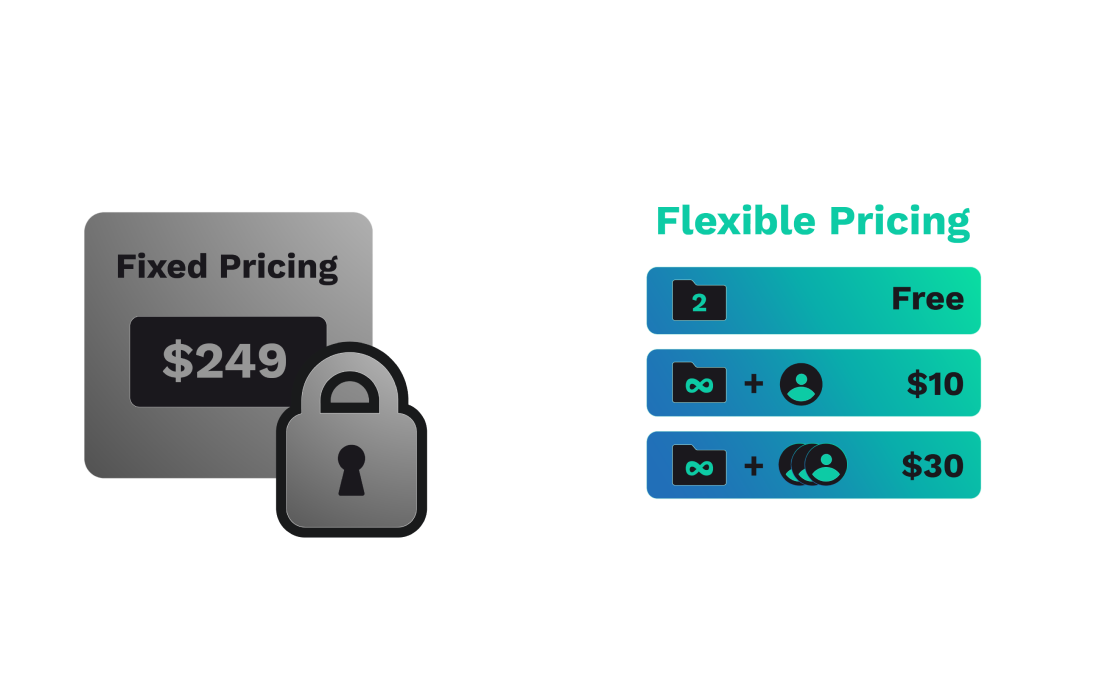
Filestage Cost Designed for Agencies, Not Video Teams
Filestage’s flat monthly pricing makes sense for large multi-stakeholder agencies managing dozens of users across marketing, legal, and creative: one fixed fee, unlimited users. But for a focused video team — a 3-person studio, a 5-person in-house team, a freelancer with a few regular clients — you pay $249/month before you can even run production properly.
What Krock.io does differently: Pricing that scales with your actual team size. The Pro plan is $10/user/month. A 3-person team pays $30. A 10-person team pays $100. The free plan is genuinely usable for production, not just a demo sandbox. For teams of 1–20, Krock.io is the most cost-effective Filestage alternative available.
“Filestage is relatively expensive for what this solution offers.” — G2 reviewer, creative agency
Filestage Is Multi-Format. That’s a Trade-off for Video Teams.
Filestage handles video, images, PDFs, and documents — and the reviewer community consistently notes this versatility as one of its strengths.
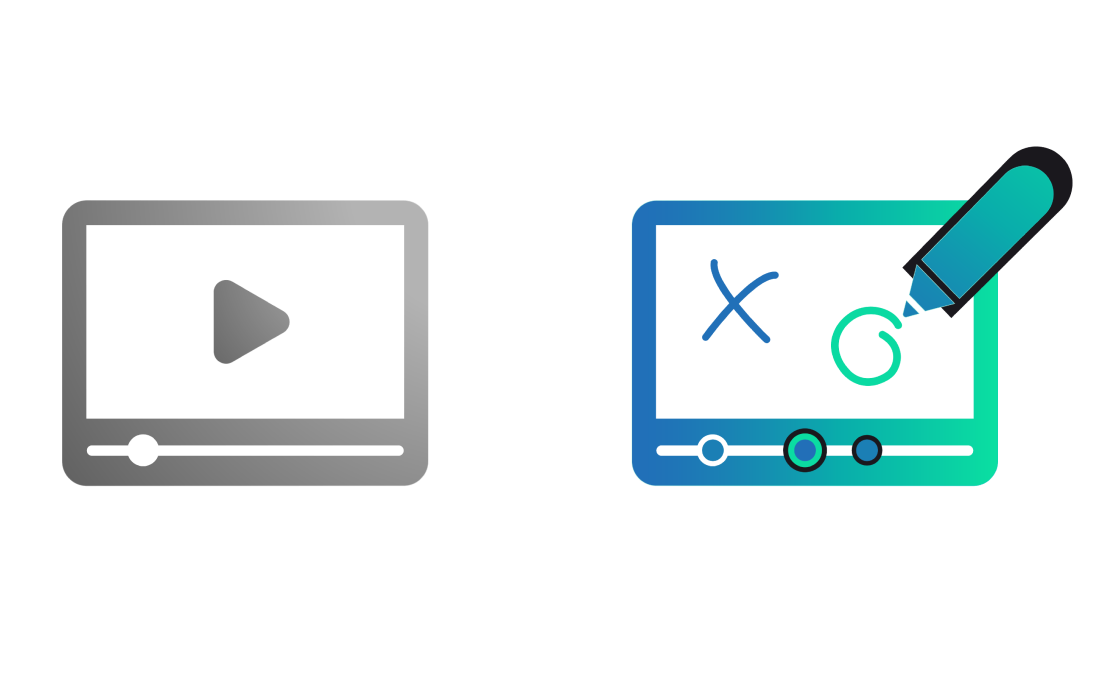
For teams where video is the core deliverable, you pay for that versatility whether you use it or not. This is one of the top reasons video teams start looking for a Filestage alternative. The platform isn’t built around the video editing workflow — it’s built around the approval step across all asset types. Timecoded comments exist, but they’re one feature inside a general-purpose platform.
What Krock.io does differently: Krock.io is video-first. Timecoded comments, NLE integrations, frame-accurate annotation, and marker sync to the editing timeline are core to the product — not add-ons. If video is what your team produces, the entire platform is built around that workflow.
Pre-Production to Delivery in One Tool — Not Just Approvals
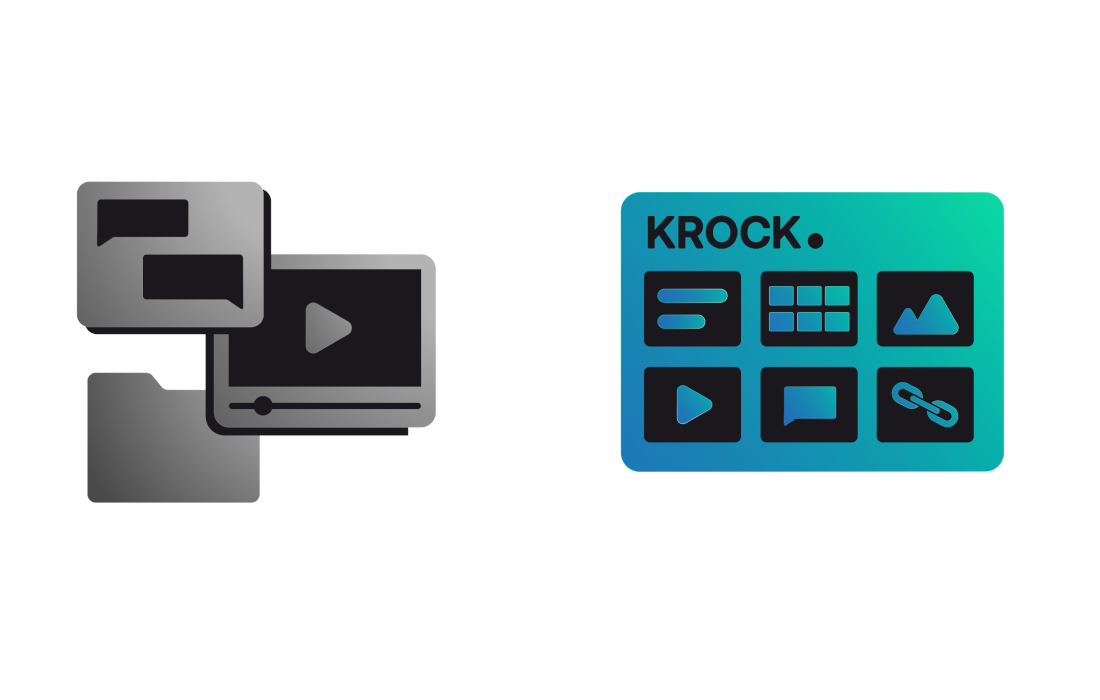
Filestage covers approvals well. That’s genuinely useful. But the approval step is one part of a production workflow — and teams using Filestage almost universally maintain a separate project management tool running alongside it. Two logins, two contexts, two places where feedback can fall through.
For many teams, the real cost of Filestage isn’t the subscription. It’s the time spent bouncing between the review tool and the project tracker to keep everything synchronized.
What Krock.io does differently: Krock.io covers the full production lifecycle — AI-powered storyboarding, animatic tools, production stage management, version control, client review, and final sign-off. The approval step isn’t a separate tool; it’s one stage in a pipeline that connects to everything before and after it.
Adobe-Only Integrations — DaVinci Resolve Editors Are On Their Own
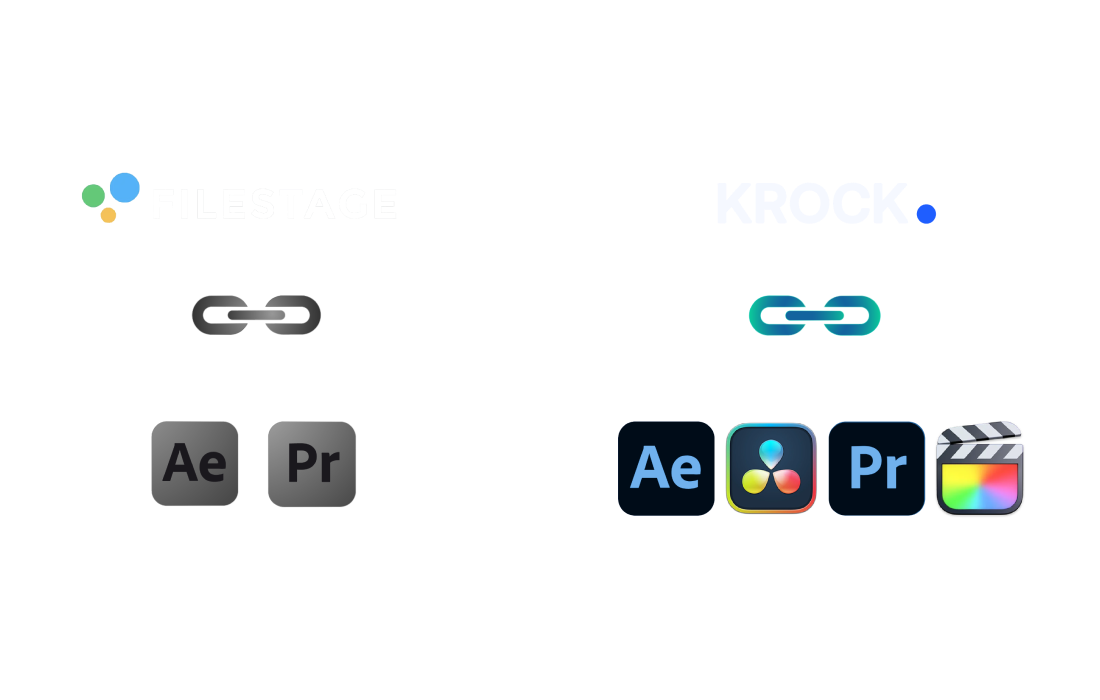
Filestage integrates with Adobe Premiere Pro and After Effects. If your team is in Adobe Creative Cloud, that works. But if you edit in DaVinci Resolve Studio — which is now the primary NLE for a large share of professional colorists, post houses, and editors who’ve left Adobe subscriptions — Filestage has nothing.
DaVinci Resolve Studio’s install base has grown substantially. For editors on Resolve, any viable Filestage alternative needs to bridge that gap — and Filestage itself doesn’t.
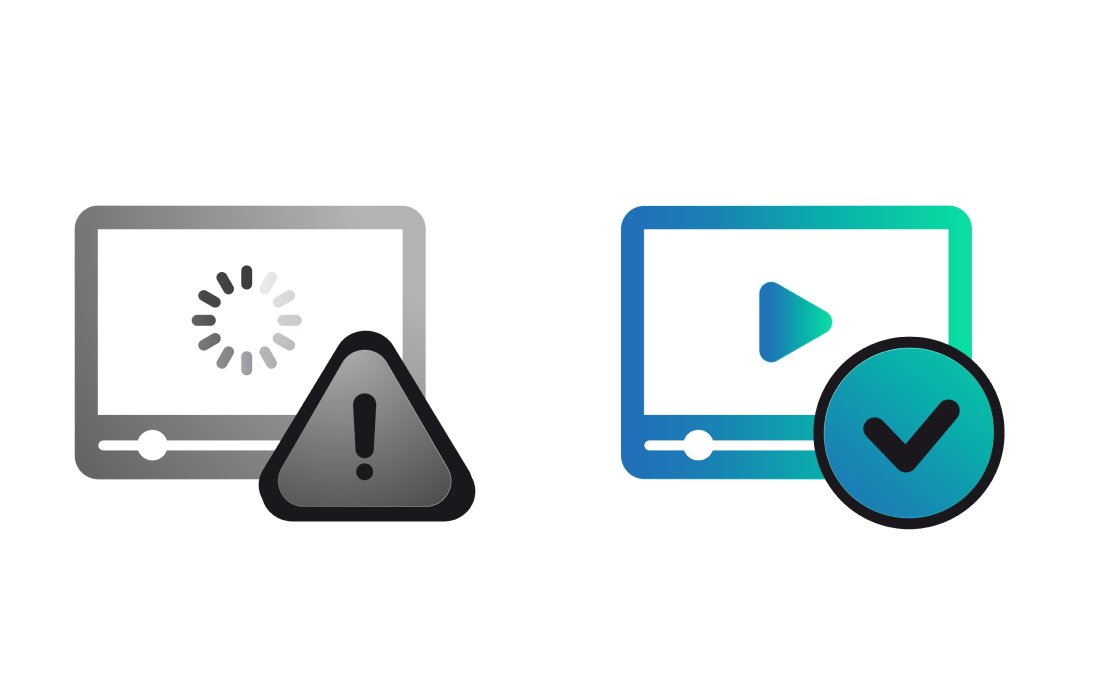
Filestage reviewers on G2 and Capterra consistently flag performance issues with large or complex files — slow loading, buffering before playback can start, and processing delays that stall feedback rounds. For a marketing team reviewing a PDF or a short social clip, this is manageable. For a production team turning around high-resolution cuts, it’s a workflow problem.
When a reviewer can’t watch the file without waiting, they put it off, leave vague feedback, or call you directly. The review cycle slows down — not because of the feedback, but because the platform couldn’t handle the file.
What Krock.io does differently: Krock.io’s video proofing is built for production-grade files. Reviews load quickly even on high-resolution content. Reviewers can start watching while the file loads — no waiting for processing to complete.
“Krock.io allows clients to leave feedback directly on the video without needing an account — that alone saves us hours every week.” — video production agency using Krock.io
Side-By-Side Comparison
Here’s how Krock.io compares as a Filestage alternative across the features video teams care about most.
Features
Krock.io
Filestage.io
Timecoded video comments
✅
✅
Freehand drawing on frames
✅
✅
Version comparison
✅ All plans
✅ From Starter plan
Unlimited reviewers
✅ All plans️
✅ All plans
Guest review (no login required)
✅
✅
Storyboarding (AI-powered)
✅
❌
Production workflow stages
✅
❌
DaVinci Resolve integration
✅
❌
Adobe CC integration (Premiere Pro / After Effects)
Sync review comments directly with your Premiere Pro timeline. No more switching tabs—feedback appears exactly where you need it, speeding up your edit-to-approval cycle.
Connect Krock.io to Final Cut Pro for seamless round-tripping between edit and review. Your team comments on versions while you keep cutting—without export bottlenecks.
Bring client feedback into your DaVinci Resolve workflow. Colorists and editors see time-coded notes without leaving their grading session, keeping revisions tight and deadlines intact.
Get instant notifications when clients approve, comment, or request changes. Your team stays in the loop without inbox overload—review updates land in the channels that matter.
Push motion graphics to review and pull comments back into After Effects. Animators get frame-accurate feedback while clients get a simple way to mark exactly what needs fixing.
Sync project milestones and review deadlines to Google Calendar or Outlook. No more missed approvals—your delivery schedule stays visible across tools your team already uses.
Frequently Asked Questions About Filestage.io Alternatives
What Switching from Filestage to Krock.io Looks Like
The most common question teams ask before choosing a Filestage replacement: “how much work is the migration?” The answer is: almost none. No data export is required. You don’t need to migrate anything out of Filestage — you start fresh with active projects in Krock.io, invite your team and clients, and the review workflow continues wherever you are in the current cycle.
Most teams are reviewing their first project in Krock.io within an hour. The additional layers — production stages, storyboards, NLE integrations — are available when you need them and out of the way when you don’t.
A few things worth planning for:
Active projects: Finish any Filestage projects that are mid-review before switching, or run both in parallel for one round
Client communication: A short note that review links will be changing prevents confusion
Historical files: Filestage archives stay in Filestage; Krock.io is for new work going forward
If your team's main friction is pricing, this Filestage alternative has a zero-risk free plan to test the full workflow before committing — no credit card required, unlimited reviewers from day one. You can also see the best video review software roundup if you're still comparing options.
Is Krock.io cheaper than Filestage?
Yes, significantly. Krock.io’s Pro plan is $10 per user per month — a 10-person team pays $100/month. Filestage’s Starter plan is $249/month flat, and the Business plan is $399/month. For a 10-person team, that’s $100/month vs. $249/month at minimum.
Does Filestage have NLE integrations?
Yes — Filestage integrates with Adobe Premiere Pro and After Effects. However, it has no DaVinci Resolve or Final Cut Pro integration. Editors on Resolve upload files manually for each review cycle. Krock.io connects with Resolve Studio, Adobe CC, and Final Cut Pro.
Can Krock.io replace my project management tool as well as Filestage?
Yes. As a Filestage alternative that covers the full pipeline, Krock.io handles storyboarding, production stage management, review, approval tracking, and version history. Teams using Filestage typically run a separate project management tool alongside it. Krock.io is built to cover both.
Does Filestage have storyboarding or pre-production tools?
No. Filestage covers the review and approval stage only. Krock.io includes AI-powered storyboarding, animatic tools, and production pipeline management from concept through delivery.
Can clients review videos in Krock.io without creating an account?
Yes. Guest links let clients leave frame-accurate, time-coded comments without signing up or logging in. This eliminates the onboarding friction that causes clients to default to sending feedback by email.
What file types does Krock.io support?
Krock.io supports video, audio, images, PDFs, and GIFs. See the full supported file formats list. The platform is optimized for video production teams but handles the full range of creative assets.