Looking for the best Frame.io alternative? Krock.io is the Frame.io alternative that production teams are switching to. We’re not just another video collaboration tool — we’re a complete workflow management platform designed specifically for video production teams, animation studios, and creative agencies. Frame.io handles your media files. Krock.io manages your entire production process.
Comparing multiple options? See our complete breakdown of the top 7 Frame.io alternatives for 2026, or dive into our detailed Krock.io vs Frame.io feature comparison.
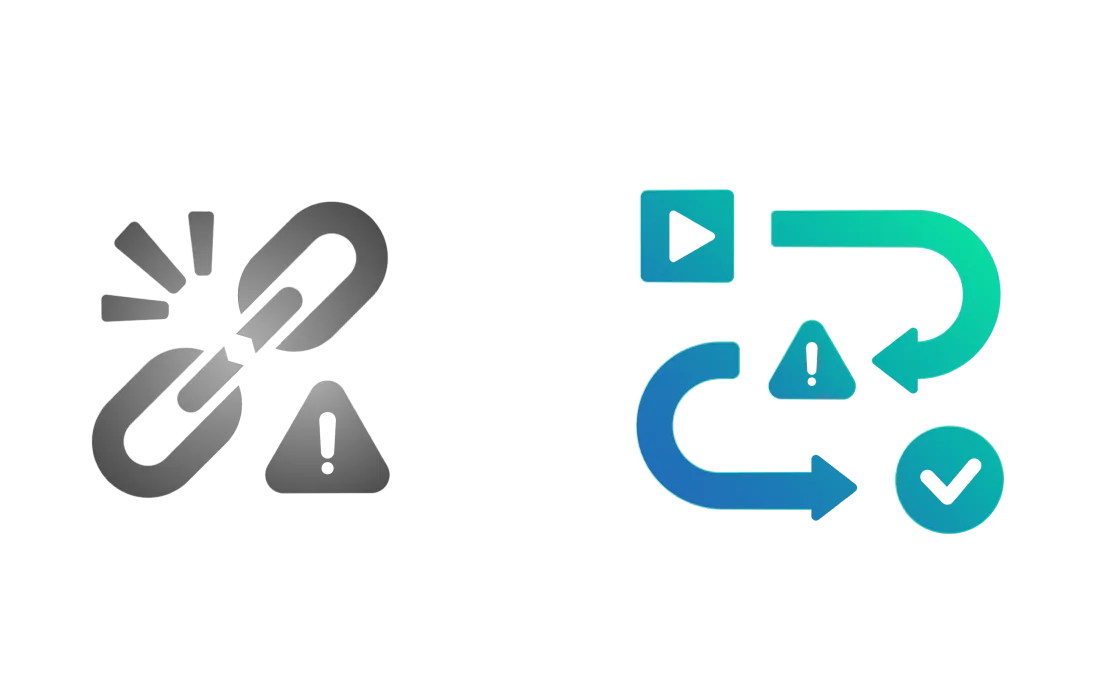
After Adobe acquired Frame.io, the forced V3 to V4 migration removed critical features that video production teams relied on. Timeline markers, After Effects integration, and reliable uploads all degraded.
What Krock.io does differently: As an independent video collaboration platform, we add features based on your feedback – not corporate mandates. Our video review and approval software remains stable and focused on what production teams actually need.
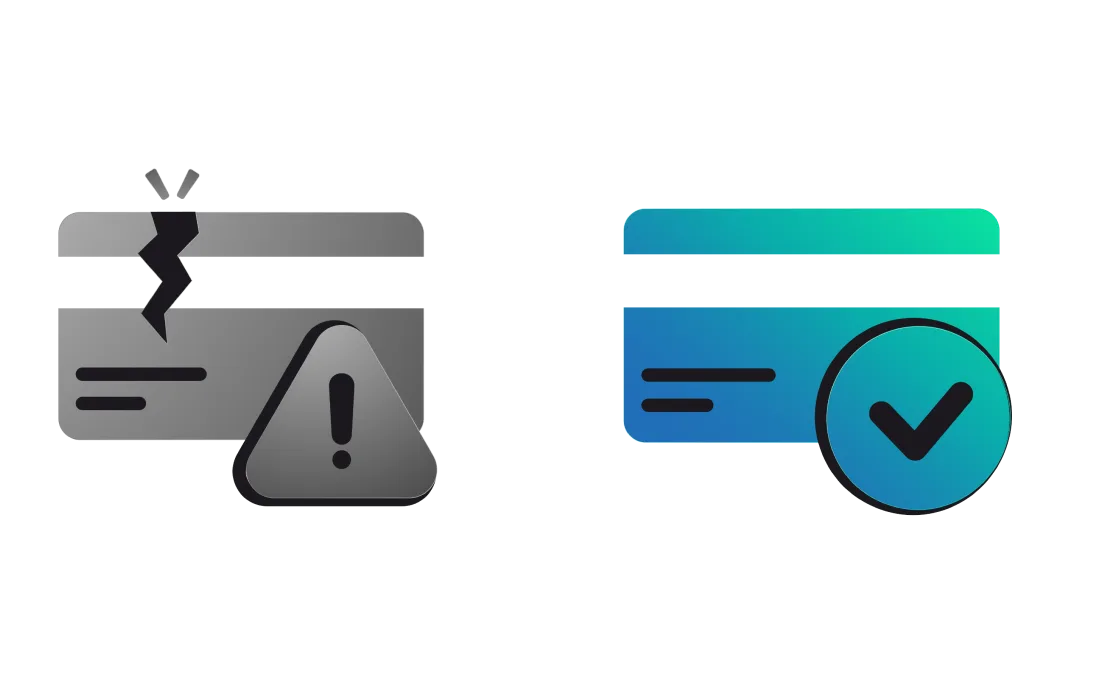
Users report confusing billing practices, including unexpected charges when adding team members, double billing on the same day, and unclear pricing transparency. Several reviewers mentioned being automatically charged significant amounts without adequate warning when inviting additional users.
While Frame.io charges $250 for 10 users, Krock.io offers $10 per seat or an Unlimited plan with a fixed cost and unlimited number of users.
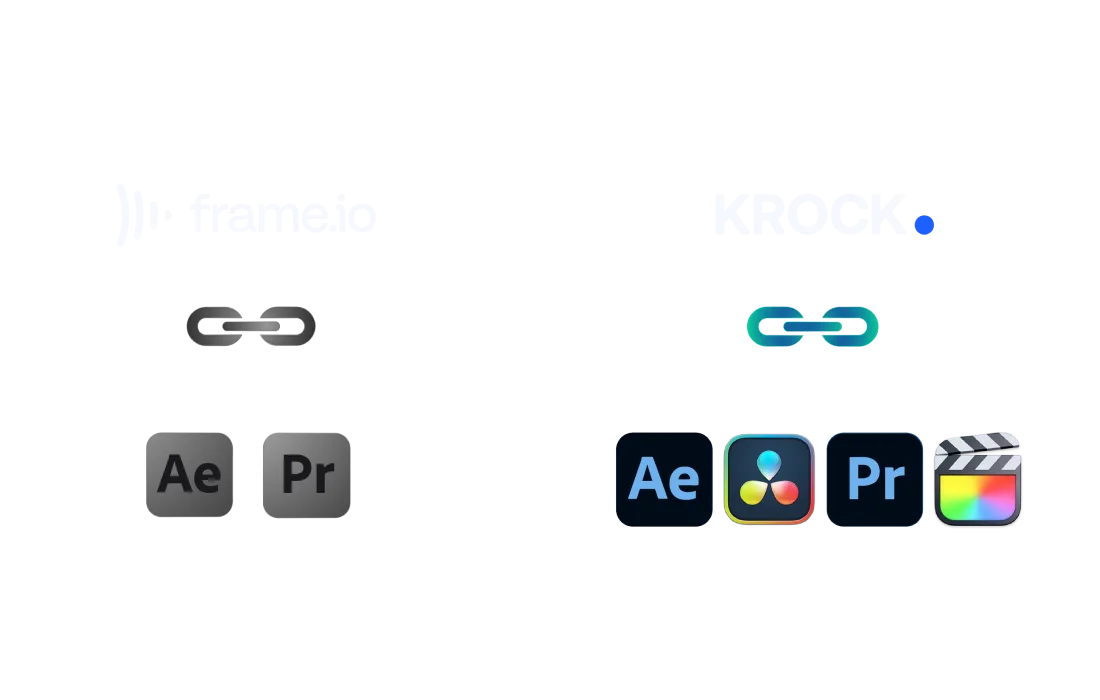
Since Adobe’s acquisition, users complain that Frame.io has prioritized Adobe products and stopped supporting or degraded integration with non-Adobe software such as DaVinci Resolve and Final Cut Pro. Video professionals using these industry-standard tools feel abandoned by the platform’s Adobe-centric direction.
Krock.io maintains software-agnostic integrations, supporting DaVinci Resolve, Final Cut Pro, Premiere Pro, and other editing platforms equally.
Customer service is consistently described as slow, unhelpful, and difficult to reach. Users report issues with chat-only support, repetitive troubleshooting requests that don’t solve problems, and poor responsiveness. Multiple reviewers mentioned problems persisting for months or years without resolution.
While Frame.io users struggle with unresponsive support, Krock.io provides direct support with faster response times and personalized assistance.
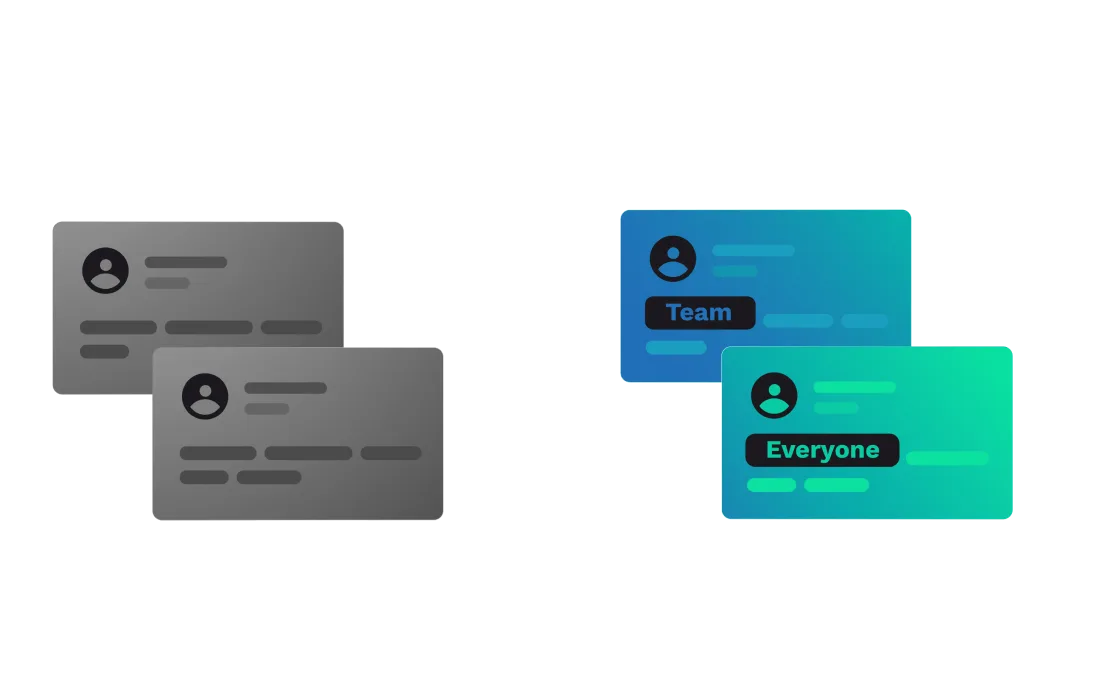
Teams frequently face awkward situations where they must warn colleagues, “please don’t comment on there” because internal team feedback would be visible to clients on shared links. This forces teams to use separate review links or risk exposing internal discussions, creating workflow friction and potential embarrassment.
Krock.io solves this with granular visibility settings that let teams toggle between internal-only comments and client-facing feedback on the same link, eliminating the need for multiple versions or careful comment policing.
Krock.io manages your entire production workflow. Frame.io manages your media files.
| Features | Krock.io | Frame.io |
| Primary Focus | ✅ Complete workflow management platform and media review software | ⚠️ Media review & file management |
| Pricing Model | ✅ $10 seat OR Unlimited users plan | ❌ $15-25/seat (adds up fast) |
| Price for 10 Users | ✅ $100/month | ❌ $250/month |
| Comment Visibility Controls | ✅ Toggle internal vs. client comments on same link️ | ❌ |
| DaVinci Resolve Integration | ✅ Full native support | ❌ Degraded/abandoned after Adobe acquisition |
| Final Cut Pro Integration | ✅ Full native support | ❌ Reduced support post-acquisition |
| Premiere Pro Integration | ✅ Full support | ✅ Native Adobe integration |
| After Effects Integration | ✅ Frame-accurate feedback sync | ⚠️ Reported issues after V4 migration |
| Version Comparison | ✅ Side-by-side version review | ✅ Version stacking |
| Storyboarding Tools | ✅ Built-in storyboard creator + AI | ❌ Not available |
| Animatic Creation | ✅ Native animatic tools | ❌ Not available |
| Project Management | ✅ Full workflow & milestone tracking | ⚠️ Basic files organization |
| Time-coded Comments | ✅ Time-coded annotations | ✅ Time-coded annotations |
| Customer Support | ✅ Direct, responsive support | ❌ Slow response times |
| Platform Independence | ✅ Software-agnostic, no vendor lock-in | ❌ Adobe-ecosystem prioritized |
| Free Plan | ✅ Yes | ✅ Yes |
| Slack Integration | ✅ Native notifications | ⚠️ Optional, not native |
| Calendar Sync | ✅ Google Calendar & Outlook | ❌ No |
| Audio Annotation | ✅ Dedicated audio review tools | ⚠️ Basic audio playback |







Sync review comments directly with your Premiere Pro timeline. No more switching tabs—feedback appears exactly where you need it, speeding up your edit-to-approval cycle.

Connect Krock.io to Final Cut Pro for seamless round-tripping between edit and review. Your team comments on versions while you keep cutting—without export bottlenecks.

Bring client feedback into your DaVinci Resolve workflow. Colorists and editors see time-coded notes without leaving their grading session, keeping revisions tight and deadlines intact.

Get instant notifications when clients approve, comment, or request changes. Your team stays in the loop without inbox overload—review updates land in the channels that matter.

Push motion graphics to review and pull comments back into After Effects. Animators get frame-accurate feedback while clients get a simple way to mark exactly what needs fixing.

The best Frame.io alternatives include Krock.io, Wipster, Ziflow, and Dropbox Replay. Krock.io stands out with unlimited user plans, flexible visibility settings for internal vs. client comments, and software-agnostic integrations supporting all major editing platforms, including DaVinci Resolve, Final Cut Pro, and Premiere Pro.
For a detailed comparison of all options, read our complete Frame.io alternatives guide.
Frame.io charges per seat ($15-$25 per user per month), which becomes expensive for growing teams. Many Frame.io competitors like Krock.io offer unlimited user plans with fixed monthly costs, eliminating unexpected billing charges. Additionally, Frameio has prioritized Adobe integrations since its acquisition, while alternatives maintain broader software compatibility.
For small teams and freelancers, Krock.io offers the best value with its $10 per seat pricing or unlimited user plans. This eliminates the per-seat cost barrier that makes Frame.io expensive as teams grow. Krock.io also provides flexible comment visibility controls, preventing the common issue where teams must avoid commenting on client-shared links.
Frame.io charges $250/month for 10 users on the Team plan ($25 per user). In comparison, Krock.io offers either $10 per seat or an unlimited user plan with fixed monthly pricing, making it significantly more cost-effective for larger teams. This transparent pricing eliminates the unexpected charges that Frame.io users frequently complain about. Use the calculator tool to estimate the Frame.io price for your team.