




TL;DR: Audio annotation is timestamped feedback on audio files — reviewers click a waveform at the exact moment they want to comment and leave a note. Used in voiceover review, music feedback, podcast editing, and advertising audio approval. If you’re looking for audio labeling for machine learning training data, that’s a different category — see ML audio labeling tools instead.
Audio annotation is the process of leaving timestamped, contextual feedback on audio files — selecting a specific moment in a track and attaching a comment, instruction, or approval to that exact point. For creative and production teams reviewing voiceovers, music, podcasts, or sound design, it replaces scattered email feedback with precise, organized notes tied directly to the audio.
Without dedicated audio annotation tools, feedback on audio files typically arrives as a list of time codes in an email: “at 0:42 the pacing feels rushed” or “the music swell at 2:15 is too loud.” Someone has to manually translate those notes into edit instructions, and there’s no systematic way to track whether each note was addressed or who approved the changes. The cycle of revision takes longer than it should.
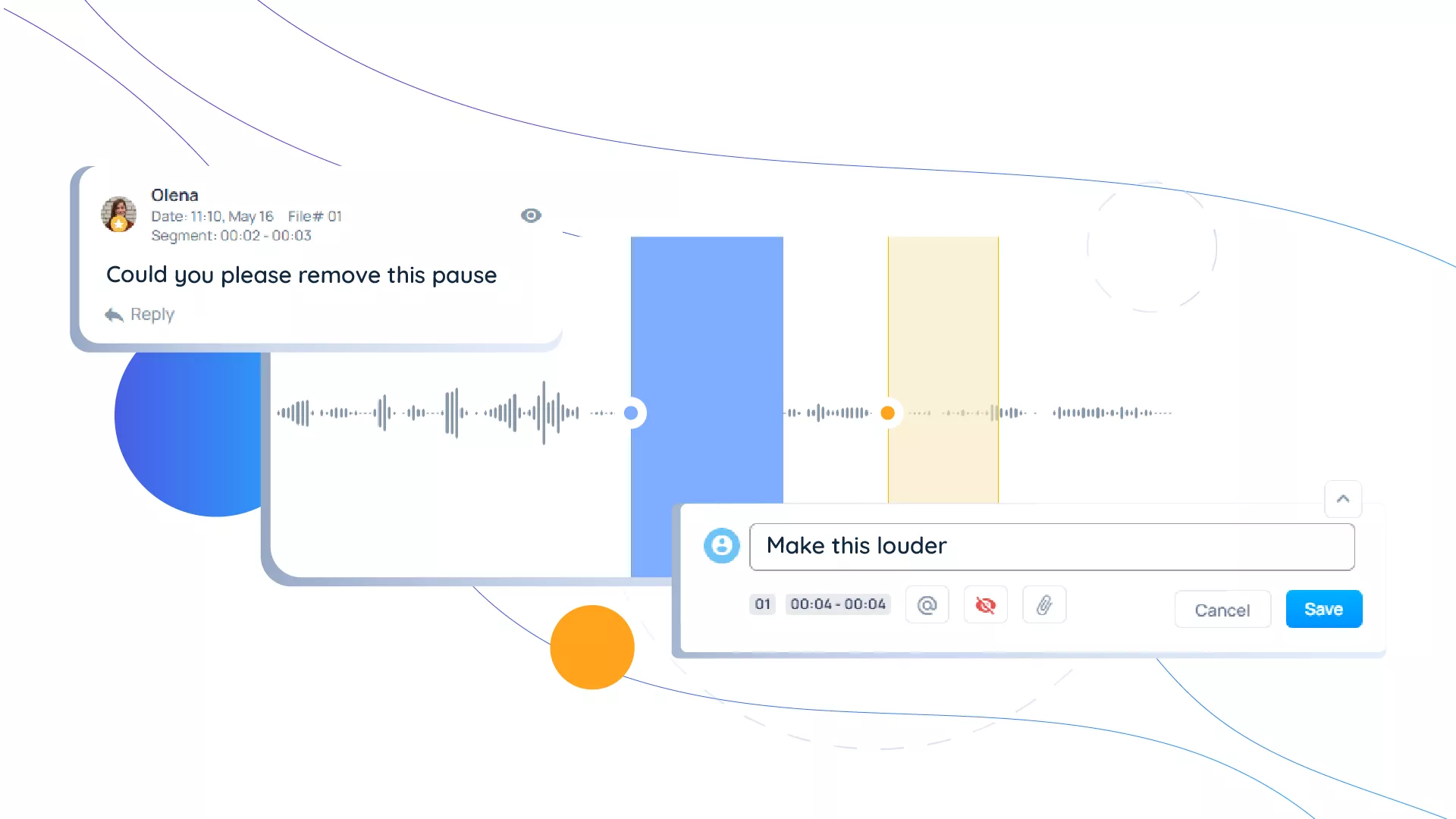
A proper audio annotation tool changes this: reviewers click the waveform at the exact moment they want to comment, type their note, and the annotated feedback is immediately visible to the production team in context. Revisions are tracked. Approvals are logged.
How audio annotation works
The core workflow is straightforward:
- Upload the audio file to the review platform
- Share a review link with annotators (editors, clients, producers, directors)
- Reviewers play the audio and click at any point to leave a timestamped comment
- The production team sees all comments in a single view, organized by timestamp
- Each comment can be marked as resolved when the edit is made
- A new version is uploaded and the cycle repeats until approval
The significant advantage over email or document-based feedback is precision. A comment that reads “at 1:23, the narrator’s emphasis is wrong on ‘specifically’” is unambiguous. There’s no interpretation required, no back-and-forth to clarify what was meant. The annotator heard a problem at 1:23 and said so at 1:23. The editor finds 1:23 and addresses it.
What audio annotation is used for in production
Audio annotation is relevant anywhere audio is created, reviewed, and revised collaboratively. The main use cases in creative production:
Voiceover and narration review. Voiceover work spans ads, corporate videos, audiobooks, and e-learning — and revision cycles are among the most time-intensive in audio production. Timecoded feedback is the norm once teams have the tool for it: 82.4% of comments on Krock.io are pinned to an exact timestamp, according to our video production data from creative teams. Recording studios and agencies rely on audio annotation to give talent direction without requiring in-person sessions. A producer can annotate 40 specific moments in a 5-minute voiceover recording in the time it would take to write a comparable list in an email — and the talent receives notes that are unambiguous and playback-verifiable.
Music and sound design feedback. Composers and sound designers working with creative directors and brand teams need feedback that’s specific. “The intro feels too long” is less useful than an annotation at 0:14 that reads “cut here — enter at the first beat drop.” Audio annotation tools built for music review let non-musicians give precise musical feedback without requiring technical vocabulary.
Podcast editing and review. With over 4.6 million podcasts published globally, audio review workflows have become a standard part of professional production. Podcast production involves multiple reviewers — the host, executive producer, sponsor, and brand team. Audio annotation tools that support multi-reviewer collaboration keep all feedback in one place rather than scattered across email, Slack, and text.
E-learning and course content review. The e-learning market surpassed $325 billion globally in 2025, with instructional audio and narration review as a core production bottleneck. Learning and development teams reviewing training modules need to maintain consistency across large volumes of audio. Audio annotation provides a systematic way to review multiple files against a consistent quality standard.
Radio and advertising audio review. Advertising agencies reviewing audio spots for radio and digital audio platforms need rapid review cycles to meet broadcast deadlines. Frame-accurate audio annotation speeds up the feedback loop between the studio and the brand approval team.
Audio annotation vs. audio editing: what’s the difference
Audio annotation is about feedback and review, not production. Annotators listen and respond — they don’t edit the file directly.
| Audio annotation | Audio editing | |
|---|---|---|
| Who does it | Reviewers, clients, producers | Audio engineers, editors |
| What they do | Leave timestamped comments | Make changes to the audio file |
| Tool type | Review/proofing platform | DAW (Pro Tools, Logic, Audition) |
| Output | Revision instructions | Revised audio file |
| Goal | Align on what needs to change | Make the changes |
The annotation platform and the editing software serve different roles in the same workflow. The production pipeline looks like: edit in DAW → upload for annotation review → address annotated feedback → upload revised version → repeat until approved.
Key features to look for in an audio annotation tool
Not all audio annotation tools support the same workflow requirements. When evaluating options for your team:
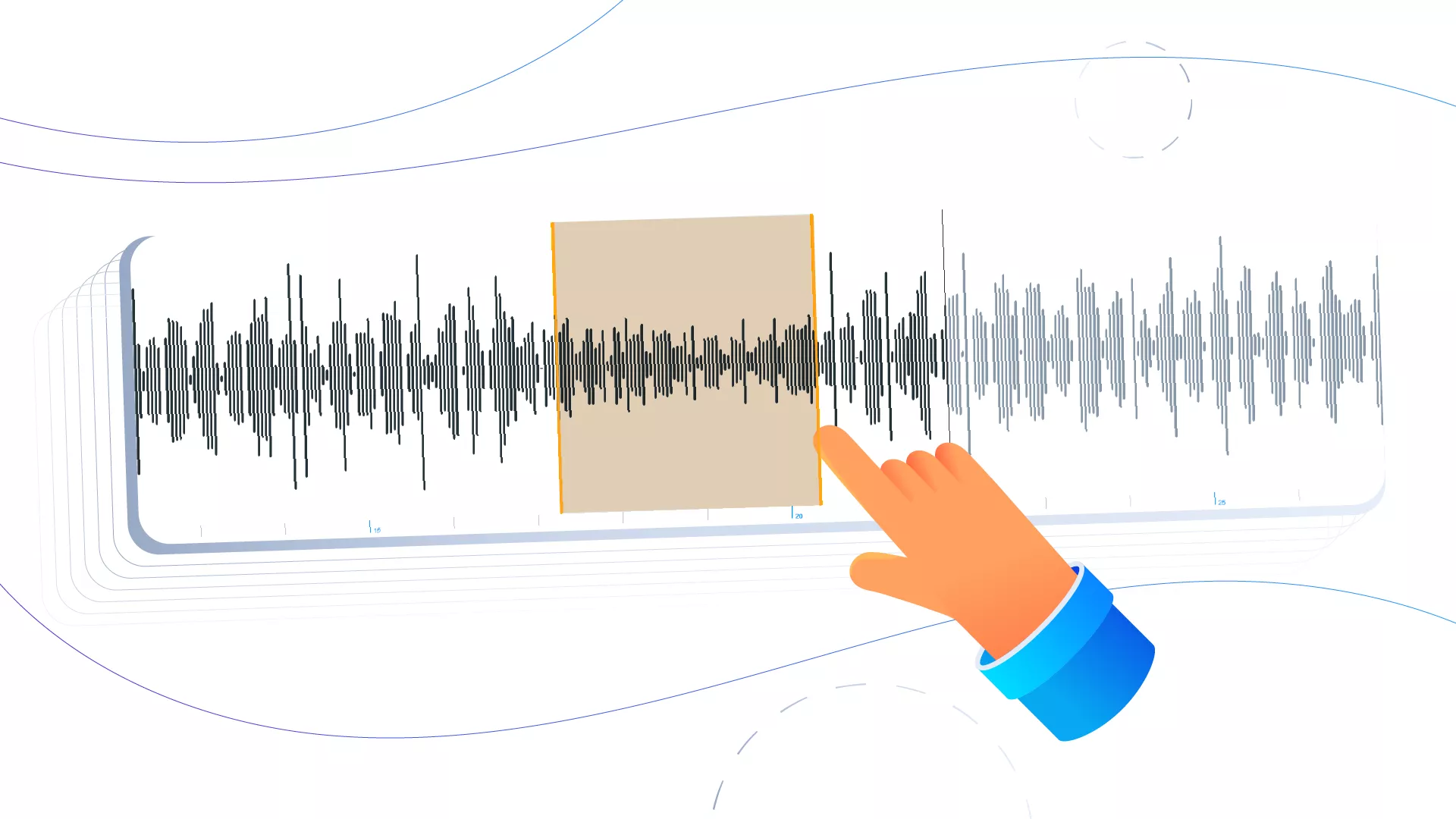
Timestamped precision. Comments must attach to a specific moment, not just a general section. Second-level or frame-level precision matters for voiceover and music work where a few frames of difference changes the meaning of a note.
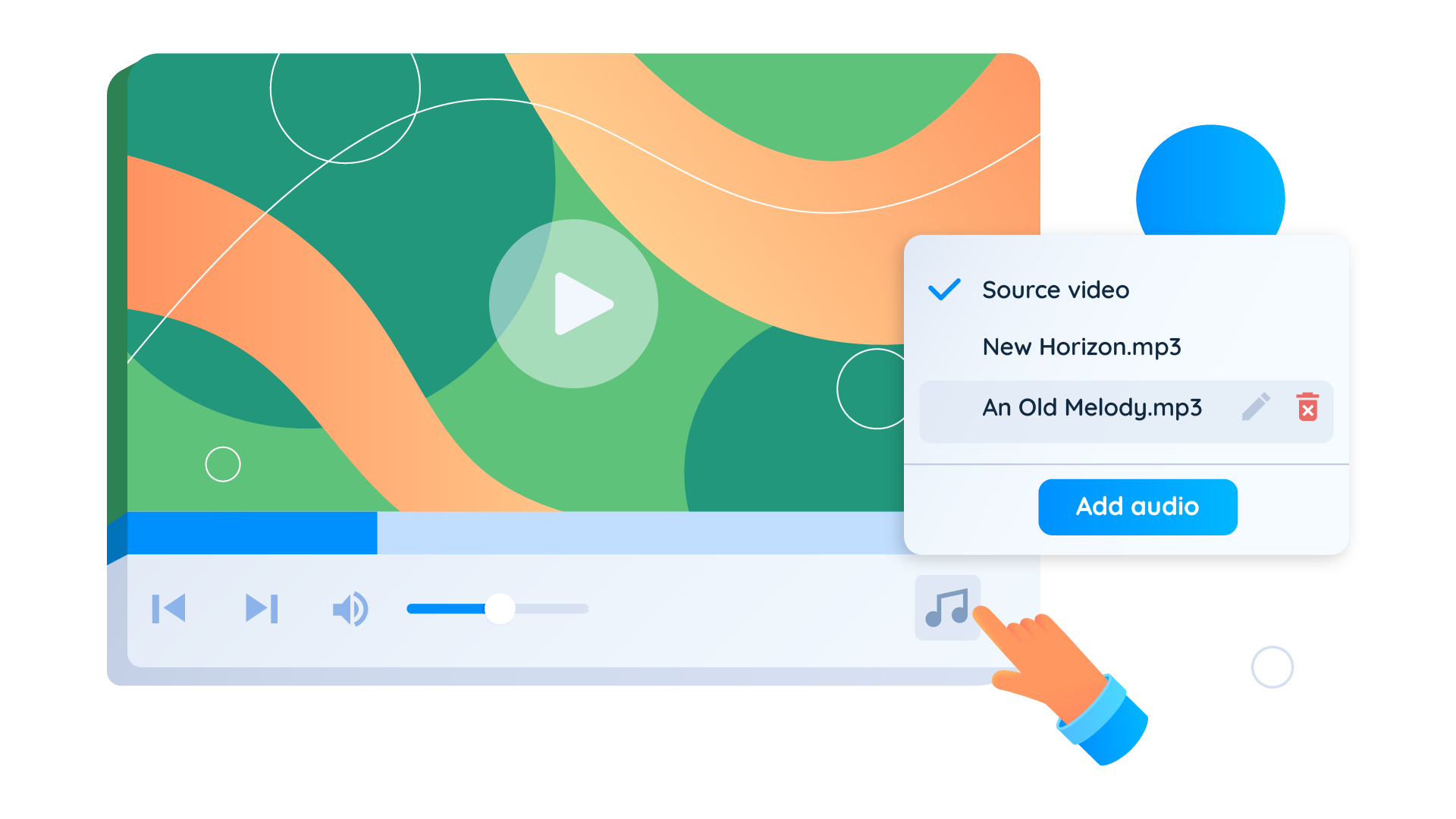
Multi-track support. Audio production often involves multiple simultaneous tracks — narration, music bed, sound effects. The annotation tool should let reviewers work across tracks simultaneously without losing context between them.
Version tracking. Each revision cycle should produce a new version in the same project, with previous versions accessible for comparison. Reviewers need to verify that previous notes were addressed before signing off on the current version.
Separation of internal and client-facing notes. Production teams have internal discussions about audio that shouldn’t go to the client. A review tool that keeps internal annotations separate from shared client feedback prevents confusion and protects internal process.
Approval workflow. Once all notes are resolved, there should be a clear approval mechanism — not just the absence of new comments, but a positive confirmation that the file is approved and final. Dedicated approval software records that sign-off so nobody has to dig through old comments later.
Cross-format capability. Most audio in production comes embedded in video content. An annotation tool that works equally well on video files and standalone audio files reduces the number of tools in the production workflow. Krock.io’s audio annotation tool supports both video and standalone audio files in the same review interface, alongside images and PDFs.
How audio annotation fits into a broader creative review workflow
Audio rarely exists in isolation in production. A 60-second ad spot involves video, music, voiceover, and sound effects — all of which need review. Annotating audio separately from video creates a coordination problem: the video editor needs to know that the voiceover note at 0:42 relates to the shot that starts at 0:38, not just the audio moment. This is why audio annotation is most effective as part of a structured video production workflow rather than a standalone step.
Online proofing for creative teams that handles video, audio, images, and PDFs in a unified interface means all feedback on a project lives in one place. The video editor sees the voiceover annotation at 0:42 in the context of the full project, not as a separate document they have to cross-reference.
For video production teams specifically, video proofing with integrated audio annotation keeps frame-accurate video notes and audio-specific notes in the same review session — so the sound engineer and the video editor are working from the same consolidated feedback view.
Frequently asked questions about audio annotation
What file formats does audio annotation support?
Most audio annotation tools support MP3, WAV, AAC, FLAC, and OGG. Professional production environments typically work in WAV or AIFF for maximum quality. Check that your annotation tool supports both compressed and uncompressed formats before committing to a workflow.
Can external clients use audio annotation without creating an account?
Good review tools allow client reviewers to annotate audio via a shared link without requiring them to sign up for the platform. Client registration friction is one of the leading causes of feedback delays — eliminating it keeps the review cycle moving.
How do teams manage multiple versions of the same audio file?
Each revision should be uploaded as a new version within the same project rather than as a new file. This maintains the link between all annotation rounds and makes it possible to compare version 1 notes against version 3 to verify that all issues were addressed.
Is audio annotation different from audio transcription annotation?
Yes. Audio annotation for production review (the type described in this article) is about timestamped feedback from human reviewers during the creative approval process. Audio transcription annotation is a machine learning process where human annotators add labels to audio data to train speech recognition models. Different tools, different workflows, different purpose.
How many reviewers can annotate a single audio file simultaneously?
This varies by platform. For creative production review, there’s no useful limit to the number of concurrent annotators — the constraint is managing feedback quality, not quantity. Tools with good filter and resolution tracking features handle high reviewer volumes without creating confusion.
Conclusion
Audio annotation is the layer of structured feedback that turns audio review from a scattered process into a traceable workflow. The right audio annotation tool — one that supports timestamped comments, multi-reviewer collaboration, and version tracking — changes how fast creative teams move through revision cycles. For creative teams producing voiceover, music, podcast content, or any audio that goes through multiple stakeholders before approval, it’s one of the highest-leverage improvements to the production pipeline.
The alternative — email lists of time codes, verbal feedback, document comments — produces delays, missed notes, and version confusion. Annotating audio directly, at the moment it matters, keeps production moving.
See how audio annotation works in Krock.io. Start a free trial — no credit card required, unlimited reviewers from day one.



