Krock.io vs. Wipster.io
Wipster built a solid video review tool. But when your workflow grows beyond just collecting point based feedback — when you need to draw annotations on any media files, manage projects, track milestones, and control the entire production pipeline — you need more than a commenting platform.
Krock.io is the Wipster alternative for teams who’ve outgrown basic review tools. Check out the comprehensive comparison list of Wipster alternatives.
Wipster limits feedback to pin comments — text markers placed on specific frames. Reviewers cannot draw, circle, highlight, or sketch directly on the video. As one frustrated user stated: “I wish my customers could draw and circle things on videos” — but Wipster doesn’t offer this basic visual communication tool.
Draw mode in Krock.io allows reviewers to sketch, circle, highlight, and annotate directly on any frame.


Many users are complaining that they pay a lot for a small team with limited storage. A team of 10 members with 2 TB of storage will cost $334 / Monthly.
Krock.io offers pricing with two clear paths: $10/seat for growing teams, or an Unlimited plan with a fixed monthly cost regardless of team size. No per-user surprises when you scale up. The 10-member plan with 2 TB of storage will cost $100/Month only.
Wipster forces teams to share videos one at a time, creating hours of repetitive work for production teams managing dozens or hundreds of files.
Krock.io allows you to share entire projects, folders, or specific production stages with clients and collaborators. One link provides full context across all related videos. No video-by-video busywork.

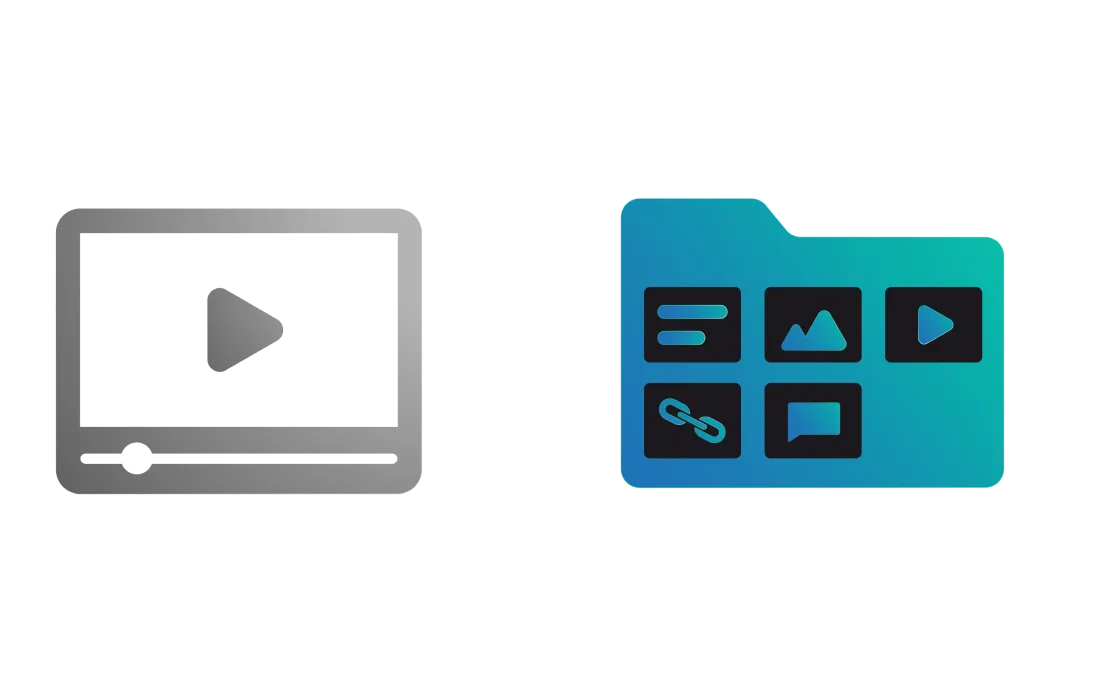
Users with many assets, versions, or large projects report that Wipster’s organization tools can struggle when managing lots of media. Some platforms note users wanting better folder organization, search, and hierarchy, because Wipster’s system can make it harder to manage “hundreds or thousands of assets” in a scalable way.
Krock is structured around workspaces, nested projects, stages, and customizable organization tools, allowing teams to scale without losing clarity or forcing manual workarounds for organization.
Wipster relies on a fixed set of predefined statuses tied to its review and approval model. Teams cannot create custom statuses that match real production workflows.
Create fully custom statuses and production stages in Krock.io tailored to your workflow. Define your own stage names, order, and visibility rules. Statuses reflect your real process — not a generic review flow.
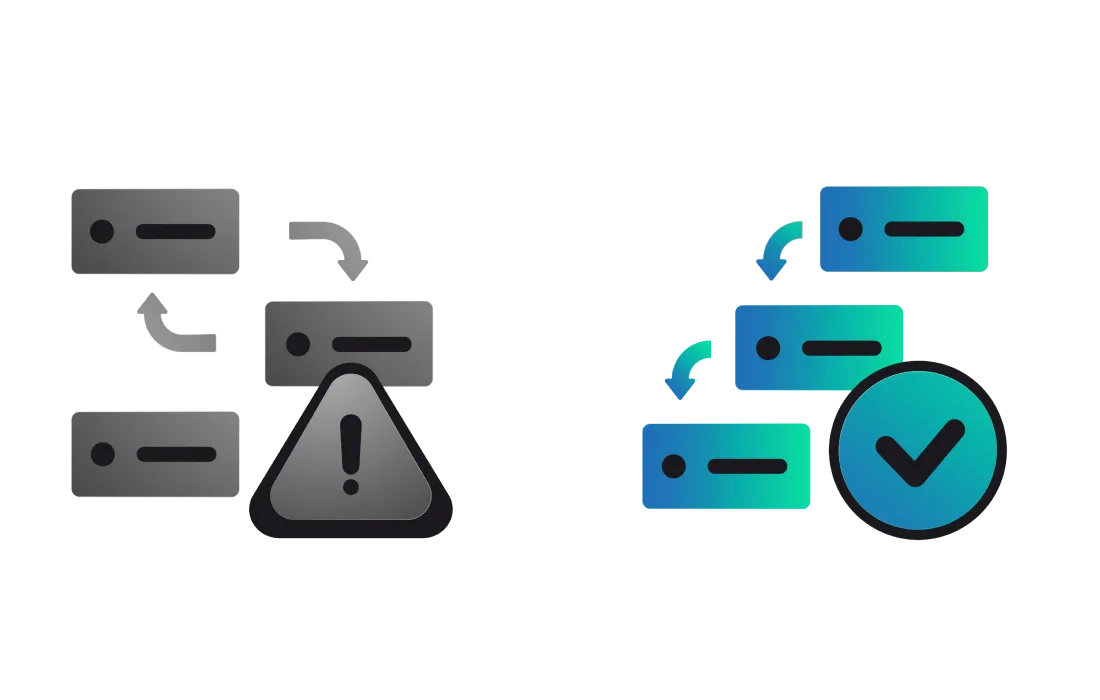
Krock.io manages your entire production workflow. Wipster manages your video reviews.
| Features | Krock.io | Wipster |
| Primary Focus | ✅ Complete workflow management platform and media review software | ⚠️ Video review & approval only |
| Pricing Model | ✅ $10/seat or Unlimited plan. 2TB of storage included | ❌ $25/user/month (adds up fast). 50GB of storage included |
| Price for 10 Users | ✅ $100/month | ❌ $250/month |
| Approval Workflows | ✅ Custom approval chains️ | ⚠️ Simple approve/reject |
| Storyboarding Tools | ✅ Built-in storyboard creator + AI | ❌ Not available |
| Animatic Creation | ✅ Native animatic tools | ❌ Not available |
| Version Comparison | ✅ Side-by-side version review | ✅ Side-by-side comparison |
| Comment Visibility Controls | ✅ Toggle internal vs. client comments on the same link | ⚠️ Team-only comments available |
| Drawing/Annotation on Video | ✅ Visual markup tools | ❌ Pin comments only |
| Premiere Pro Integration | ✅ Yes | ✅ Yes |
| After Effects Integration | ✅ Yes | ✅ Yes |
| DaVinci Resolve Integration | ✅ Yes | ❌ Not available |
| Final Cut Pro Integration | ✅ Yes | ❌ Not available |
| Customer Support | ✅ Direct, responsive support | ❌ Slow response times |
| Closed Captions | ✅ Full caption support | ✅ Full caption support |
| Free Plan | ✅ Yes | ❌ No |





Sync review comments directly with your Premiere Pro timeline. No more switching tabs—feedback appears exactly where you need it, speeding up your edit-to-approval cycle.

Connect Krock.io to Final Cut Pro for seamless round-tripping between edit and review. Your team comments on versions while you keep cutting—without export bottlenecks.

Bring client feedback into your DaVinci Resolve workflow. Colorists and editors see time-coded notes without leaving their grading session, keeping revisions tight and deadlines intact.

Get instant notifications when clients approve, comment, or request changes. Your team stays in the loop without inbox overload—review updates land in the channels that matter.

Push motion graphics to review and pull comments back into After Effects. Animators get frame-accurate feedback while clients get a simple way to mark exactly what needs fixing.

Wipster is a cloud-based video review and approval platform that provides frame-accurate feedback tools for creative teams. Many users seek alternatives due to per-user pricing that scales quickly ($25/user/month), limited project management features beyond review.
The best Wipster alternatives include Krock.io, Frame.io, Dropbox Replay, and Vimeo Review. Krock.io stands out with unlimited user plans, complete workflow management (not just review), built-in storyboarding, and animatic tools.
Wipster focuses specifically on video review and approval with frame-accurate commenting. While excellent at this core function, it lacks comprehensive visual annotation tools.
No. Wipster offers a Light plan starting at $9.95-$11.95/month for individuals with 50GB storage. For team collaboration features, you’ll need the Team plan at $25/user/month. Krock.io offers a free plan with 2 members and 2 projects, plus more affordable upgrade paths, including unlimited-user plans.
For small teams and freelancers, Krock.io offers the best value with its $ 14-per-seat pricing and 2TB of storage. Unlike Wipster’s per-user model, which gets expensive as you grow, Krock.io offers predictable pricing and a comprehensive set of video review tools that any production needs.
Wipster’s integrations focus primarily on Adobe products (Premiere Pro and After Effects). It does not offer native integrations with DaVinci Resolve or Final Cut Pro. If you use these editing platforms, Krock.io provides full native support for all major editing software.
Wipster costs $25/user/month (or $19.95 billed annually), totaling $250/month for 10 users. Multi-Team plans increase to $39.95/user with a 10-seat minimum. In comparison, Krock.io offers $10/seat or unlimited user plans with fixed monthly pricing, making it significantly more cost-effective for larger teams while providing more comprehensive features.