
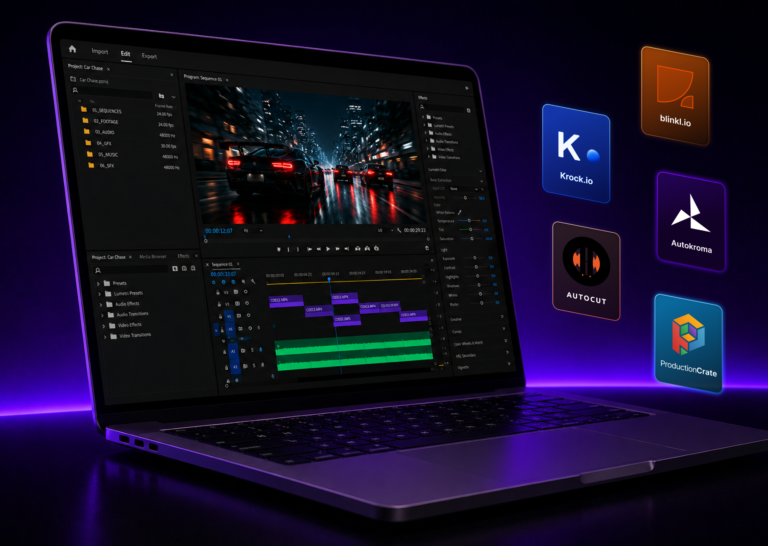
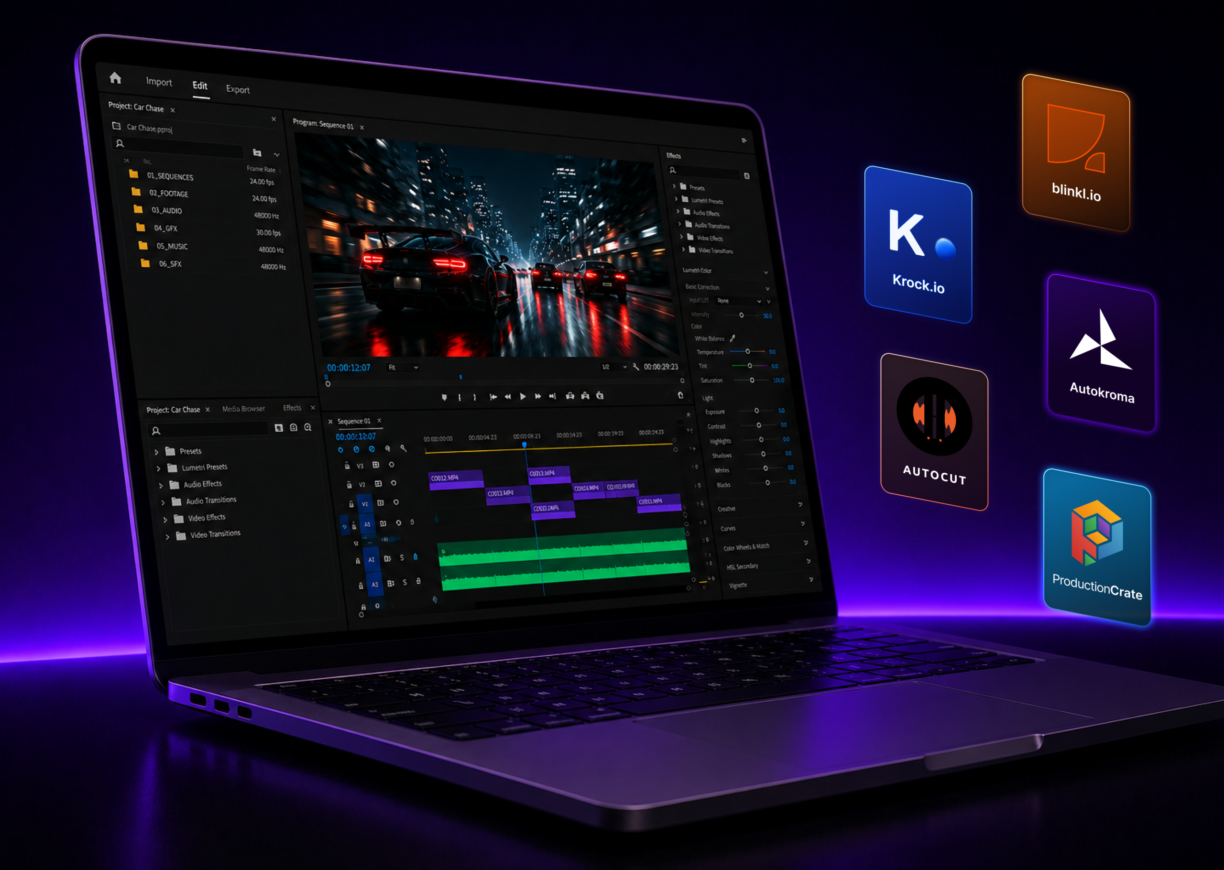


The best free Premiere Pro plugins in 2026 include Premiere Composer for one-click motion templates, Beat Detector for beat-synced cuts, ReaPlugs for professional audio, and Krock.io for frame-accurate client review inside Premiere’s interface. This guide covers them in six workflow categories: editing productivity, transitions and effects, audio, visual effects, client collaboration, and project archiving. All are free and compatible with current Creative Cloud versions.
Premiere Pro editors are often the most over-tooled and under-extended professionals in video production. You’re paying for Creative Cloud every month, you have access to one of the most powerful NLEs in the industry, and you’re still exporting for client review the same way you did in 2018.
The free plugin ecosystem built around Premiere Pro in 2026 is better than most editors realize.
Beat markers placed automatically. Easing curves applied in one click. Client feedback synced directly to your timeline. All free, all installable in under ten minutes.
This list covers 15 of the best free Adobe Premiere Pro plugins available right now, organized by what they actually fix in your workflow. No plugins that stopped working after the last Creative Cloud update. No “free trial” tools buried in a list of paid alternatives. Just tools that deliver on the promise.
What’s in this guide:
- Editing productivity plugins that remove repetitive steps
- Transition, motion, and visual effects tools that hold up in commercial deliverables
- Audio cleanup plugins that run natively in Premiere
- A collaboration plugin that kills the export-and-email cycle
- How to install extensions without breaking your existing setup
Working with clients who leave feedback in three different places? The Adobe Creative Cloud integration from Krock.io brings timecoded review directly into Premiere Pro. Frame-accurate comments, synced to your timeline as markers, at no cost on the free plan.
What Makes a Free Premiere Pro Plugin Worth Installing?
The Adobe Exchange marketplace lists hundreds of Premiere Pro extensions. Many are abandoned, half-functional, or not actually free once you try to use them.
A plugin worth your time does one thing well, stays stable across Creative Cloud updates, and integrates cleanly with Premiere’s interface. The best ones feel like Premiere features that should have shipped in the base product.
The 15 below meet those criteria. Most are available through the Adobe Exchange or their developers’ own sites, and all install without touching Premiere’s core installation.
Free Premiere Pro Plugins: Quick Reference
| # | Plugin | Category | Best For |
|---|---|---|---|
| 1 | Premiere Composer | Editing | One-click templates, transitions, sound effects |
| 2 | Beat Detector | Editing | Beat-synced cuts for music video and social content |
| 3 | Smoothify | Editing | Professional easing curves on keyframe animations |
| 4 | SnapActions | Editing | Custom keyboard shortcuts for any native Premiere command |
| 5 | AutoCut | Editing | Auto-silence removal for interviews and talking heads |
| 6 | Film Impact (free tier) | Transitions | GPU-accelerated professional-grade transitions |
| 7 | Arrow and Portal | Transitions | Directional wipes and reveal transitions |
| 8 | ProductionCrate | Effects | Lens flares, light leaks, and compositing overlays |
| 9 | ReaPlugs Suite | Audio | Full suite: EQ, compression, reverb, noise gate |
| 10 | TDR Nova | Audio | Dynamic EQ for dialogue, music, and voiceover |
| 11 | Analog Obsession | Audio | Analog-modeled compressors and tape saturators |
| 12 | Excalibur | Visual Effects | Zoom punches, glitch effects, and camera shake for social content |
| 13 | Ignite Express | Visual Effects | 90+ professional VFX effects, lens flares, and compositing tools |
| 14 | Krock.io | Collaboration | Frame-accurate client review with Premiere timeline markers |
| 15 | PlumePack | Productivity | Reliable project archiving and media consolidation |
Best Free Premiere Pro Plugins for Editing Productivity
1. Premiere Composer by Puremix
Best for: Editors who want one-click access to transitions, text animations, and sound effects
Premiere Composer is one of the most-downloaded free extensions on the Adobe Exchange. The free starter pack includes a library of transitions, title animations, and sound effects you can drag directly onto your timeline.
No keyframing. No template hunting. Drop it on, adjust the duration, done.
The paid library expands the options considerably, but the free starter pack is genuinely usable for client-facing work. Install through the Adobe Exchange and open it via Window > Extensions.
Lena, a motion designer at a two-person creative studio in Berlin, used to spend 20 minutes per project hunting through her effects browser for the right title animation. After installing Premiere Composer, her go-to elements are saved in a panel that opens in three seconds. On a 30-project year, that’s roughly ten hours back.
2. Beat Detector by blinkl.io
Best for: Music video editors, social content teams, reel creators
Beat Detector analyzes your audio track and automatically places timeline markers at rhythmic beats. You press a button, it reads the music, and your timeline fills with markers at every hit point. Cuts aligned to music go from manual busywork to a matter of dragging clips between pre-placed guides.
It’s free, available through the Adobe Exchange, and works with any audio source on your timeline. For editors who produce content for Instagram, TikTok, or YouTube, this is one of the highest-leverage free plugins available.
3. Smoothify by blinkl.io
Best for: Motion designers and editors who work with animated titles
Smoothify applies custom easing curves to any animation with a single command. Instead of manually dragging velocity handles on every keyframe, you select your animated clips and choose from a set of preset easing profiles. The motion immediately feels professional.
The free version covers standard easing presets including ease-in, ease-out, and spring-based curves. Download from blinkl.io or the Adobe Exchange. It pairs well with Beat Detector if you’re building rhythm-synced motion graphics.
4. SnapActions by blinkl.io
Best for: Editors who want faster access to native Premiere Pro commands
SnapActions is a keyboard shortcut layer that lives on top of Premiere Pro, letting you trigger any native action from a custom keybinding. Tasks like adding a sequence marker, toggling the lumetri panel, or applying the default transition get single-key access.
The distinction between SnapActions and Premiere’s native keyboard customization is speed. SnapActions responds without requiring you to move focus to a specific panel first. For high-volume editors doing long days in the timeline, the friction savings add up.
5. AutoCut (Free Tier)
Best for: Interview editors, podcast video producers, talking head content
AutoCut analyzes your audio and automatically removes silences, placing cuts on the timeline without manual scrubbing. The free tier handles standard silence detection workflows. The paid tiers add beat-sync, zoom cuts, and chapter markers.
For editors producing interview content, the free version removes a repetitive task that can take hours on a long interview. Install from AutoCut’s site and access it through Window > Extensions.
Best Free Premiere Pro Plugins for Transitions and Effects
6. Film Impact Premium Transitions (Free Tier)
Best for: Editors who need GPU-accelerated transitions beyond Premiere’s defaults
Film Impact offers a set of professional transitions for Premiere Pro, with a free tier that includes a rotating selection of their library. The transitions are GPU-accelerated, render quickly, and hold up in broadcast-quality deliverables.
Download from the Film Impact site and install the dashboard extension. Free transitions update periodically, so the available selection changes. If a transition in the free tier fits your current project, it’s worth grabbing before the selection rotates.
7. Arrow and Portal by Knights of the Editing Table
Best for: Editors who need clean directional and reveal transitions
Arrow and Portal are two free Premiere Pro plugins built for specific transition types. Arrow creates directional wipe-based transitions. Portal creates reveal effects where the outgoing clip appears to open into the incoming one.
Both are built to match the quality of paid plugins and are freely available from the Knights of the Editing Table site. Clean installation, no hidden upsells, and they work on the current version of Premiere Pro.
8. ProductionCrate Free Plugin Bundle
Best for: Editors who work with visual effects and motion compositing
ProductionCrate offers a set of free plugins for Premiere Pro and After Effects through their free account tier. The bundle includes lens flares, light effects, atmospheric overlays, and compositing tools that would otherwise require third-party VFX software.
A free account unlocks the core plugin set, which is sufficient for most narrative and commercial work. Access at productioncrate.com after creating a free account.
Best Free Premiere Pro Plugins for Audio
9. ReaPlugs Suite by Cockos
Best for: Editors handling dialogue cleanup, mix, or music without a dedicated audio engineer
ReaPlugs is a professional-grade audio plugin suite that installs as VST plugins inside Premiere Pro’s audio track mixer. Originally built for the Reaper DAW, the full suite is available free and includes:
- ReaEQ: Parametric equalizer, unlimited bands
- ReaComp: Full-featured compressor with sidechain
- ReaDelay: Multi-tap delay with BPM sync
- ReaVerb: Convolution reverb with real impulse responses
- ReaGate: Noise gate for dialogue cleanup
These aren’t demo-limited tools. Cockos releases them free as a community resource alongside their paid DAW. Install by downloading the VST files from the Cockos site, placing them in your VST directory, and scanning in Premiere’s audio preferences.
10. TDR Nova by Tokyo Dawn Labs
Best for: Editors who need precise EQ with dynamic response for dialogue or music
TDR Nova is a free dynamic equalizer that functions as both a standard EQ and a multiband dynamic processor. It’s used in professional broadcast audio workflows and podcast post-production, and the free version is fully capable for dialogue cleanup and music adjustment.
Download from Tokyo Dawn Records. The “GE” paid version adds mastering-specific modes, but the free version handles everything most video editors need from an EQ.
11. Analog Obsession Compressor Bundle
Best for: Editors who want analog character on their audio mix
Analog Obsession builds free analog-modeled audio plugins including compressors, tape saturators, and EQs. The free collection is available through their Patreon with a free follow. No paid subscription required.
For corporate and branded content where music tracks sound overly digital, a tape saturation plugin from this bundle adds warmth without requiring a sound design background to use.
Best Free Premiere Pro Plugins for Visual Effects
12. Excalibur by Pt. Design
Best for: Social editors, reels creators, and YouTube editors who cut to motion
Excalibur is a free Premiere Pro extension built specifically for the motion effects that define social and short-form video. The panel gives you one-click zoom punches, camera shakes, glitch cuts, and directional pushes — effects that would otherwise require manual keyframing on scale, rotation, and position simultaneously.
It installs through the Adobe Exchange and opens via Window > Extensions. Each effect is parameterized, so you control intensity and duration after applying it. For editors producing content at volume for Instagram Reels, TikTok, or YouTube Shorts, it handles a category of motion that none of the other plugins on this list covers.
13. Ignite Express by FXhome
Best for: Editors who need professional-grade VFX without After Effects
Ignite Express is a free collection of 90+ video effects from FXhome, the team behind HitFilm. The suite covers lens flares, light rays, glows, color grading effects, and compositing tools — all running natively inside Premiere Pro as GPU-accelerated plugins.
The free version requires a free FXhome account and downloads as a standard installer. Once installed, the effects appear in Premiere’s Effects panel under the FXhome category. For narrative and commercial editors who need VFX-grade results without routing shots through After Effects, Ignite Express is the most complete free option available.
Best Free Premiere Pro Plugin for Client Collaboration: Krock.io
Best for: Editors who review footage with clients and creative directors
Here’s the standard Premiere Pro client review workflow in 2026: finish the cut, export to H.264, upload to Google Drive or Vimeo, and send the link.
Three days later you receive a paragraph with feedback like “the second half feels slow” and no timecodes. You open Premiere, guess where they mean, revise, export again, and repeat.
Krock.io’s Adobe Creative Cloud extension replaces that cycle. It installs through the Adobe Exchange, opens inside Premiere Pro via Window > Extensions > Krock.io, and connects your project to a client review link. Your client watches the video in their browser, clicks on the exact frame where they have a note, and that comment syncs back to your timeline as a marker at the right timecode.
No client account required. No software for them to install. A shareable link, a browser, and the feedback arrives exactly where it matters.
Consider how that changes a typical revision round. Tom, a senior editor at a 15-person production company, was running an average of 3.5 revision rounds per project. Not because the edits were bad, but because feedback was vague and misaligned.
“Make it punchier” with no timecode requires guessing. “At 0:43 the cut feels early, try holding 12 more frames” gets it done on the first pass.
After switching to Krock.io for client review, Tom’s team got that number down to 1.8 revision rounds on average, cutting project turnaround time by more than a week on longer cuts.
Unlike some tools on this list, the Krock.io extension works with both Premiere Pro and After Effects, so the review workflow follows you across both applications in the Creative Cloud pipeline.
The free plan covers two active projects with unlimited reviewers, no credit card required. For agencies and studios managing multiple active projects, the Pro plan is $10/user per month. Read the full video proofing workflow overview to see how it fits into a Premiere-based production pipeline.
Want to replace the email feedback loop before your next project? Start a free Krock.io account and connect it to Premiere Pro today. Two projects, unlimited reviewers, no credit card.
Best Free Premiere Pro Productivity Tool: PlumePack
Best for: Editors who need to archive or hand off projects efficiently
PlumePack solves a specific and frustrating problem: archiving Premiere Pro projects. When you need to hand a project to a client, move it to a different machine, or create a true archive with all media and assets consolidated, Premiere’s built-in “Collect Files and Copy to New Location” is unreliable on complex projects.
PlumePack does the job reliably, creating a self-contained project folder with all referenced media, presets, and assets included. The free version handles most standard project structures. Available from the Adobe Exchange.
How to Install Free Premiere Pro Plugins
Installation method depends on the plugin type.
For Adobe Exchange extensions:
- Open the Adobe Exchange in a browser or inside Creative Cloud
- Find the extension and click Get or Install
- It installs automatically via Creative Cloud
- Open Premiere Pro and access via Window > Extensions
For manually downloaded .zxp extensions:
- Download the .zxp file from the developer’s site
- Install using the free ZXP Installer from aescripts.com
- Restart Premiere Pro
- Access via Window > Extensions
For VST audio plugins:
- Download the .vst or .vst3 file
- Place it in your system’s VST directory (Mac:
/Library/Audio/Plug-Ins/VST3/, Windows:C:\Program Files\VSTPlugins\) - In Premiere Pro, open Preferences > Audio Hardware
- Click Scan for Plug-ins
- The plugin appears in your track mixer
For Krock.io:
Search “Krock.io” on the Adobe Exchange, install through Creative Cloud, and open via Window > Extensions > Krock.io. Connect with your Krock.io account to start syncing review comments with your timeline.
Building Your Free Premiere Pro Plugin Stack
You don’t need all 15 installed before your next project. A practical starting stack:
For solo editors and freelancers:
- Premiere Composer (starter pack)
- Beat Detector (if you cut to music)
- TDR Nova (audio EQ)
- ReaPlugs (full audio suite)
For agency and studio editors working with clients:
- Everything above, plus Krock.io for the review and approval workflow
If you’re working with clients on any volume, Krock.io changes the math on how long projects actually take. Getting clear, timestamped feedback from clients in round one means fewer revision rounds total.
For a broader look at how the review workflow fits into a full Premiere Pro setup, the best video review software comparison covers what’s available and how they compare. And if you’re evaluating whether Premiere Pro itself is the right NLE for your work, the guide to Premiere Pro alternatives covers the landscape clearly.
The Bottom Line on Free Premiere Pro Plugins
The Premiere Pro ecosystem is mature enough in 2026 that a free plugin stack can meaningfully improve every part of your workflow, from first assembly to client approval.
The tools that provide the most visible return aren’t the ones with the flashiest demos. Beat Detector on a music-heavy edit saves an hour. Krock.io on a client-facing project can save a week.
Start with one plugin. Add a second when you hit the problem it solves. That approach beats installing fifteen tools at once and using three of them.
Ready to eliminate the export-and-email cycle for good? Start a free Krock.io account and connect it to your Premiere Pro workflow today.



