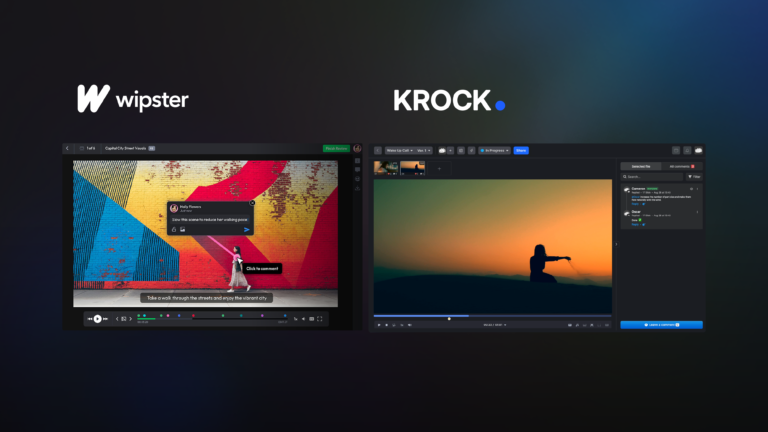
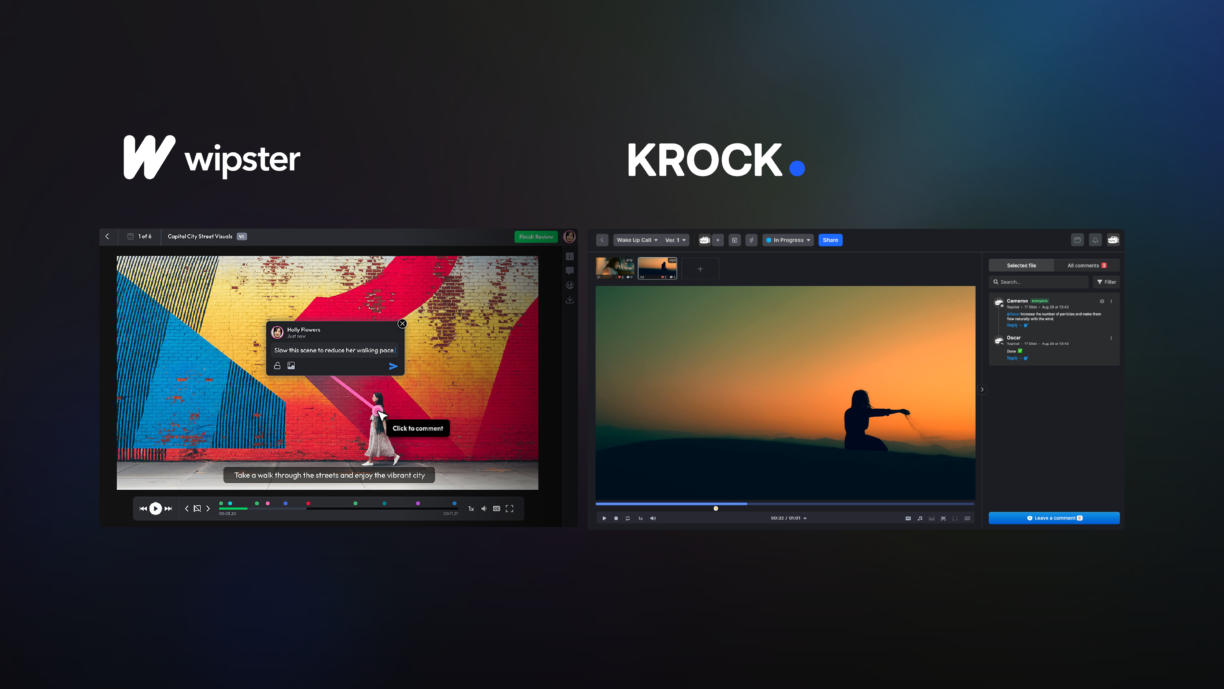



The moment most teams start looking for a Wipster alternative is the same: the invoice arrives, the team has grown, and what was once a manageable per-seat cost has quietly doubled.
For some teams it’s not the price. It’s the moment a client asks “can you draw on the frame to show me exactly what you mean?” and the answer is no. Or it’s the third week of chasing approvals through a tool that handles review fine but has no concept of what comes before or after it.
Wipster built a solid product for video review. But if you’ve hit those walls, pricing, annotation limits, or a workflow that stops at review and doesn’t connect to the rest of production, this guide is for you. We’ll compare Krock.io and Wipster directly, so you can decide if switching makes sense for your team.
Why Teams Are Moving Away from Wipster
Wipster has been around since 2013 and does the basics well: upload a video, invite reviewers, and collect time-coded comments. For small teams with predictable headcounts, it works.
The friction starts when teams grow or workflows get more complex.
Per-seat pricing that scales against you. Wipster charges per user. As your team expands, more editors, producers, and coordinators, the bill grows linearly. And clients? They’re users too, which means every new account you onboard has a cost attached to it. For agencies managing 20 or 30 client relationships at a time, that math gets painful fast.
No drawing or annotation tools. Wipster lets reviewers leave time-coded comments in text. But creative feedback often isn’t text. “Move this element slightly left” or “the transition here feels abrupt” is much clearer with a circle drawn directly on the frame. Wipster doesn’t offer this. Krock.io does.
Review without the rest of the workflow. Wipster is a review tool. Full stop. It doesn’t cover storyboarding, pre-production planning, version management beyond basic uploads, or approval tracking across a full production pipeline. Teams using Wipster often end up stitching it to three or four other tools to cover what a production workflow actually needs.
Take the team at a mid-sized advertising agency in Chicago. They were using Wipster for client review, a separate project management tool for production tracking, and a shared Google Drive for version control. Three tools, three logins, three places where context could get lost. When they moved to Krock.io, the review workflow, version history, and production stages were in one place. Their average revision cycle dropped from five rounds to three.
Krock vs Wipster: Side-by-Side Comparison
| Feature | Krock.io | Wipster |
|---|---|---|
| Time-coded video comments | Yes | Yes |
| Frame-accurate annotations | Yes | Yes |
| Freehand drawing on frames | Yes | No |
| Unlimited reviewers | Yes (all plans) | No (per-seat) |
| Storyboarding | Yes (AI-powered) | No |
| Production workflow stages | Yes | No |
| Version comparison | Yes | Basic |
| DaVinci Resolve integration | Yes | No |
| Adobe Creative Cloud integration | Yes | Limited |
| Slack integration | Yes | Yes |
| Guest review (no login required) | Yes | Yes |
| Pricing | From $10/user | Higher per-seat |
| Mobile review | Yes | Yes |
Where Krock.io Goes Further Than Wipster
Frame-Accurate Annotation and Freehand Drawing
Both tools let reviewers leave comments tied to specific timecodes. Krock.io goes a step further with freehand drawing directly on video frames. Reviewers can circle an element, draw an arrow, or sketch a correction in context, no separate email, no “it’s around the 0:32 mark” guesswork.
For motion graphics, VFX work, or any content where spatial positioning matters, this is the difference between useful feedback and vague feedback.
Full Production Workflow, Not Just Review
Krock.io covers the complete production lifecycle from first frame to final approval. That includes AI-powered storyboarding to kick off a project, production stage management to track where each asset is in the pipeline, and version history that shows every iteration with side-by-side comparison.
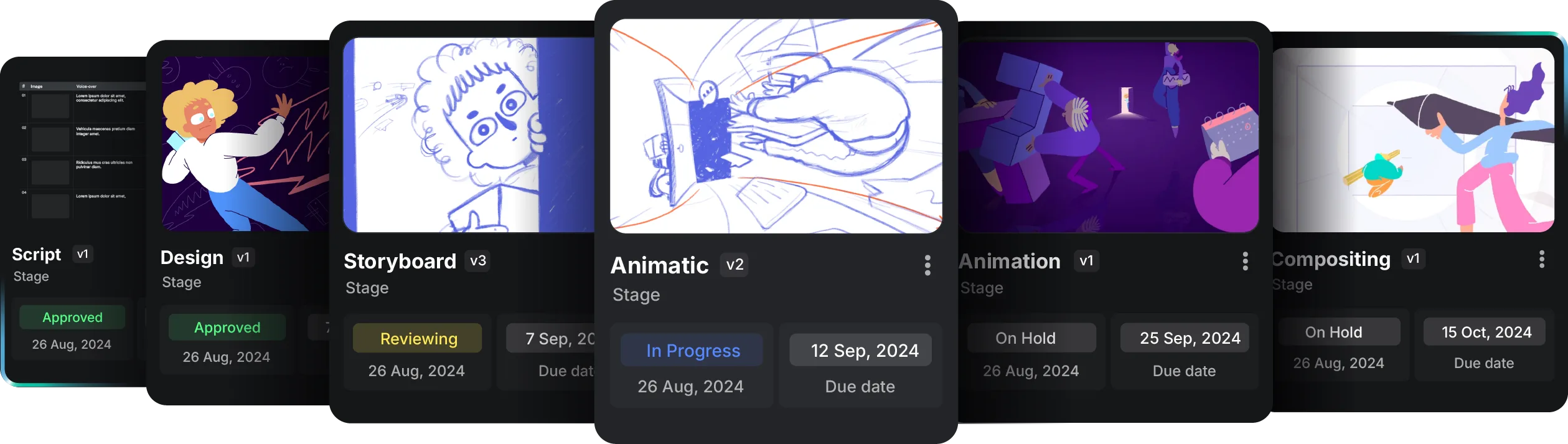
Wipster drops you into the review stage and leaves you to manage everything else elsewhere. Krock.io keeps the full context in one place.
Unlimited Reviewers on Every Plan
This is one of the most practical differences for agencies and studios. With Krock.io, you can invite every client stakeholder, every internal approver, and every external vendor to review without adding to your headcount. Reviewers don’t need a paid seat.
With Wipster’s per-seat model, growth costs money. Every new client relationship, every new team hire, every additional stakeholder on a big campaign adds to the bill.
Integrations That Fit Real Production Workflows
Krock.io connects directly with the tools video teams already use: DaVinci Resolve, Adobe Creative Cloud (Premiere Pro and After Effects), Final Cut Pro, and Slack. Editors can send projects for review without leaving their NLE. Comments come back in context. The approval loop closes faster.
Watch the full Krock vs Wipster walkthrough to see these features side by side:
Krock vs Wipster Pricing
Krock.io starts at $10 per user per month, with unlimited reviewers included on every plan. You pay for the people creating and managing content, not for every client or stakeholder who needs to leave a comment.
Wipster’s per-seat model charges for every active user, including clients. For teams managing multiple concurrent accounts, the cost difference compounds quickly.
For a detailed breakdown of how the numbers compare at different team sizes, see the Krock vs Wipster pricing comparison and our pricing page where you can calculate costs based on your team size.
Ready to see what the switch looks like for your team? Start a free Krock.io trial, no credit card required, full feature access from day one.
What Switching from Wipster to Krock.io Looks Like
The actual migration is straightforward. Krock.io doesn’t require any special data export from Wipster, you start fresh with your active projects, invite your team and clients, and the review workflow picks up from where you are.
Most teams are fully operational in Krock.io within a day of signing up. The interface is familiar to anyone who’s used a video review tool: upload, invite, comment, approve. The additional layers, production stages, storyboards, drawing tools, are there when you need them and out of the way when you don’t.
A few things worth planning for:
- Active projects: Finish any Wipster projects that are mid-review before switching, or run both in parallel for one cycle
- Client communication: A quick note to clients that they’ll be reviewing through a new link goes a long way
- Historical footage: Wipster archives stay in Wipster; Krock.io is for new work going forward
Is Krock.io Right for You?
Switch to Krock.io if:
- Your team is growing and per-seat pricing is becoming a budget issue
- You need drawing/freehand annotation for precise creative feedback
- You want review to connect to the rest of your production pipeline
- You use DaVinci Resolve, Premiere Pro, or After Effects and want native integration
- You manage multiple clients and need unlimited reviewers without surprise costs
Stick with Wipster if:
- Your team is small and stable, and per-seat costs are manageable
- You only need basic timecoded commenting with no production workflow requirements
- You’re already deeply embedded in Wipster and the switching cost outweighs the gains
For teams evaluating more than just Wipster, our guide to Wipster alternatives covers six other tools worth considering. And if you’re also weighing Frame.io, see how Frame.io compares to Wipster before deciding.
Who Uses Krock.io Instead of Wipster
Video Production Agencies
Agencies typically manage multiple client accounts simultaneously. The per-seat model breaks down fast when each client needs two or three stakeholders involved in review. Krock.io’s unlimited reviewers model means a 10-person agency can manage 20 client accounts without the headcount math becoming a problem. One account manager, one producer, and however many client-side reviewers you need — all for the same monthly cost.
Animation Studios
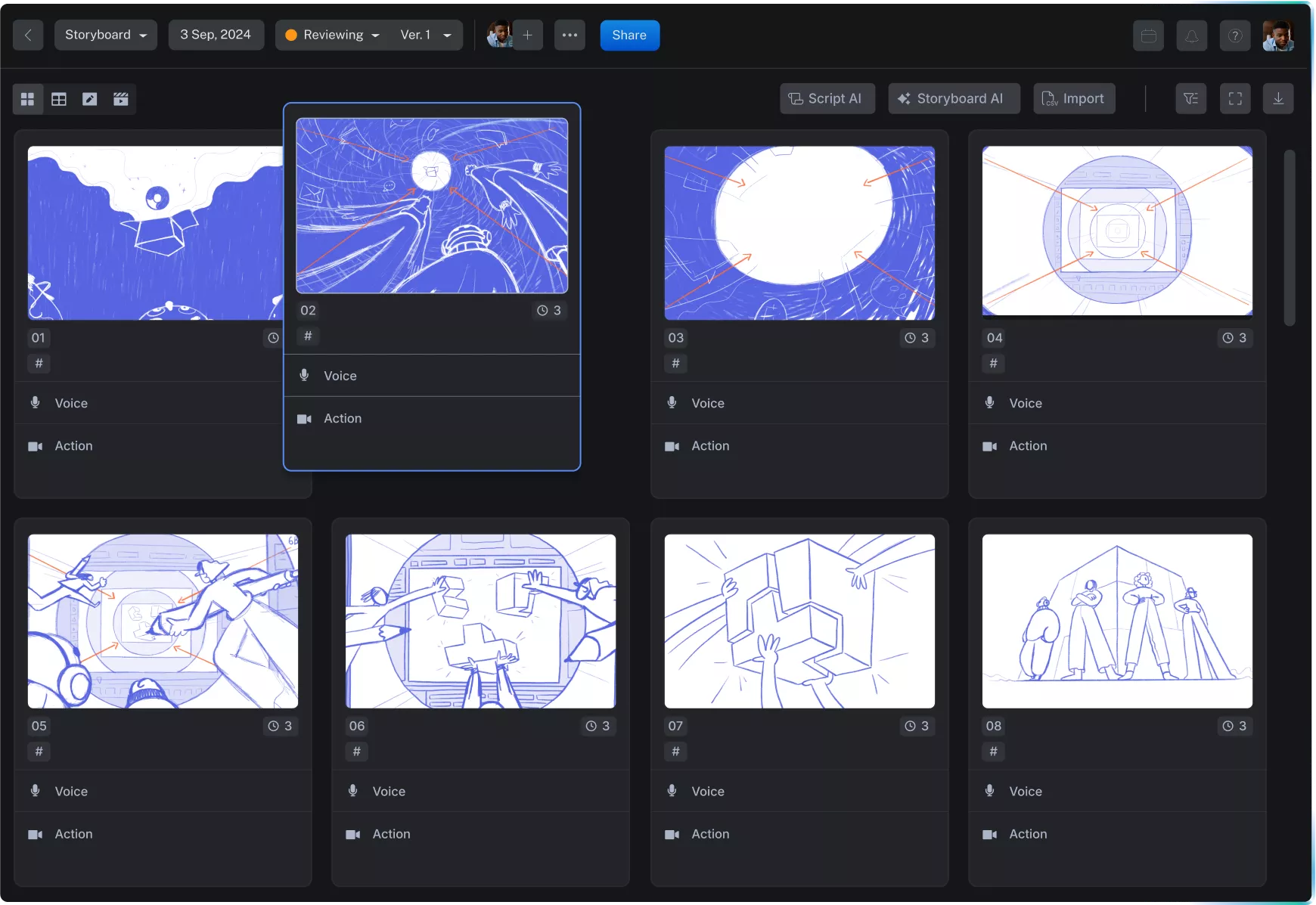
Animation teams need more than review. A single animated project moves through concept, storyboarding, animatic, rough animation, cleanup, compositing, and final delivery. Wipster covers maybe two of those stages. Krock.io covers the full arc — from AI storyboard generation through final client approval — with version history at every stage.
In-House Creative Teams at Brands
Brand teams running video content at scale — product launches, campaign assets, social content — need fast, frictionless review. Krock.io’s guest links mean marketing directors, legal reviewers, and external agency partners can all review and comment without adding to the license count. The approval workflow is clean enough that non-technical stakeholders actually use it, which cuts down on the “I sent feedback by email” problem.
Freelance Video Editors
Freelancers working with multiple clients benefit from a tool that looks professional to clients while staying affordable on a solo budget. Krock.io’s free plan and low per-user pricing make it practical for freelancers who want to offer a proper review workflow without absorbing a high monthly cost as overhead.
Wipster Alternative FAQ
Does Krock.io have a free plan?
Yes. Krock.io offers a free plan with core video review features. Paid plans start at $10/user per month and include unlimited reviewers, production workflow stages, and integrations.
Can clients review videos in Krock.io without creating an account?
Yes. You can share a guest review link that lets clients leave frame-accurate comments without signing up or logging in. No friction for the people whose approval you actually need.
Does Krock.io work for teams outside video production?
Krock.io is built specifically for video, animation, and creative production teams. If your work is primarily video or motion, it fits well. For design-only workflows, a different proofing tool may be a better match.
How long does migrating from Wipster take?
Most teams are reviewing their first project in Krock.io within an hour. There’s no data migration required — you start new projects in Krock.io and finish existing ones in Wipster if needed.
Does Krock.io support audio review?
Yes. Krock.io supports audio annotation in addition to video, which makes it useful for voiceover review, music feedback, and podcast production workflows.
What happens if I need more storage?
Krock.io plans are tiered by storage rather than by the number of reviewers. You pay for what you store, not for who accesses it.
Making the Switch
Wipster is a solid video review tool. For small, stable teams with simple workflows, it does the job. It’s been around since 2013, has a clean interface, and handles the core review loop reliably.
But if you’ve hit the ceiling on per-seat pricing, found yourself wishing for better annotation tools, or realized you need more than just a review step in your production pipeline, Krock.io covers the gaps at a price that doesn’t scale against you. The drawing tools alone make a meaningful difference for teams whose feedback requires more precision than a timecode and a text box can deliver.
The Krock vs Wipster comparison page has a full feature breakdown and pricing calculator if you want to run the numbers for your team size.
Start your free Krock.io trial → No credit card required. Full access from day one.