
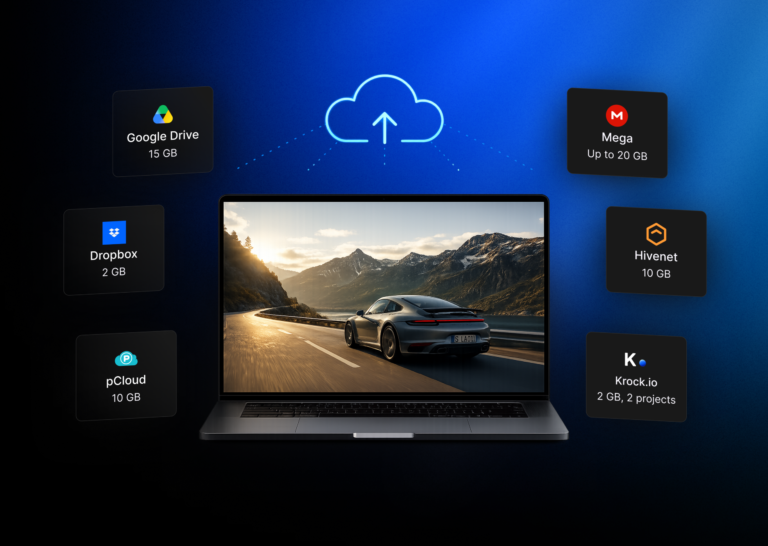
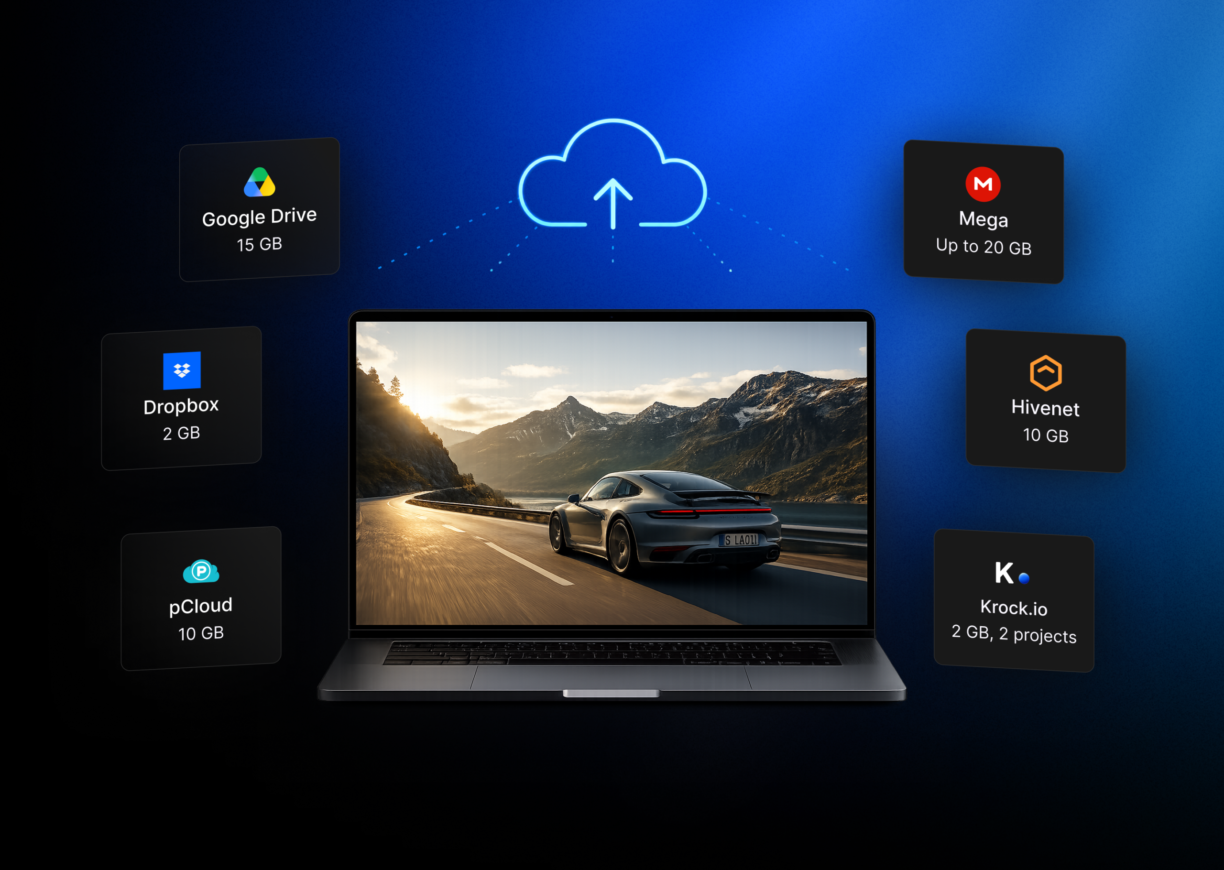



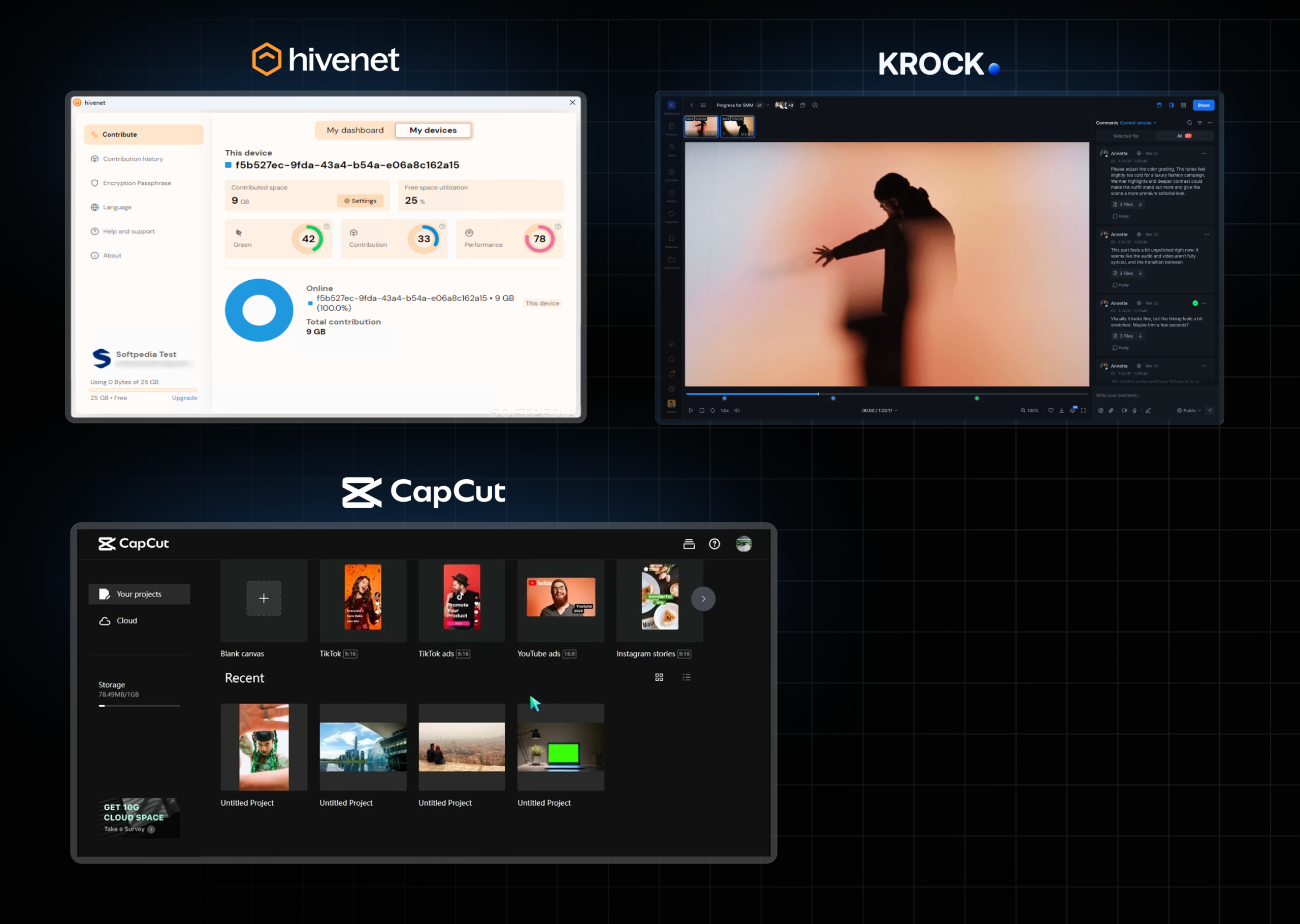
In August 2024, CapCut quietly removed its 1 GB of free cloud storage. Three years on, plenty of “best free cloud storage for video teams” roundups still list CapCut as a free option, because most of these lists get written once and never checked again.
That’s the first problem with free cloud storage for video teams: the numbers move fast, and most articles don’t keep up. The second problem is bigger. Even the lists that get the numbers right were never built around how video teams actually work, large export files, multiple versions, and a client or reviewer who needs to watch a cut and leave feedback, not just download a folder.
This guide covers both. First, a current, verified comparison of free cloud storage for video teams in 2026, what Google Drive, Dropbox, pCloud, MEGA, and others actually offer right now. Then the part most comparisons skip entirely: how far that storage really goes for a real project, and what to do once it isn’t enough.
What “free” actually means for video teams
Most free cloud storage comparisons are written for people backing up documents and photos. Video teams have different problems, and a generous-looking free tier can still fall short on every one of them.
File size limits. Some free plans cap individual uploads at a few hundred megabytes, fine for a logo file, not for a 4K export. Check the per-file limit, not just the total storage, before assuming a plan will work.
Upload and download speed. Free tiers often throttle transfer speeds. A 2 GB export can take minutes on a fast connection and considerably longer on a capped one, and your client is waiting on the other end.
Streaming preview. Can a reviewer open the video in their browser and scrub through it, or do they have to download the whole file first? Many free plans only support the second option, which adds friction to every round of feedback.
Reviewer access. This is the one most comparisons miss completely. Storing a file is only half the job, someone else needs to open it, watch it, and respond. If your collaborators need their own paid accounts just to view what you uploaded, your “free” storage has a hidden cost.
Krock.io’s free plan, for comparison, builds around that last point directly: 2 GB of storage and 2 projects, with unlimited reviewers on every plan, clients and stakeholders can comment without needing an account of their own.
Free cloud storage for video teams compared (2026)
Here’s where the numbers actually stand in 2026, including the CapCut correction most lists still haven’t made.
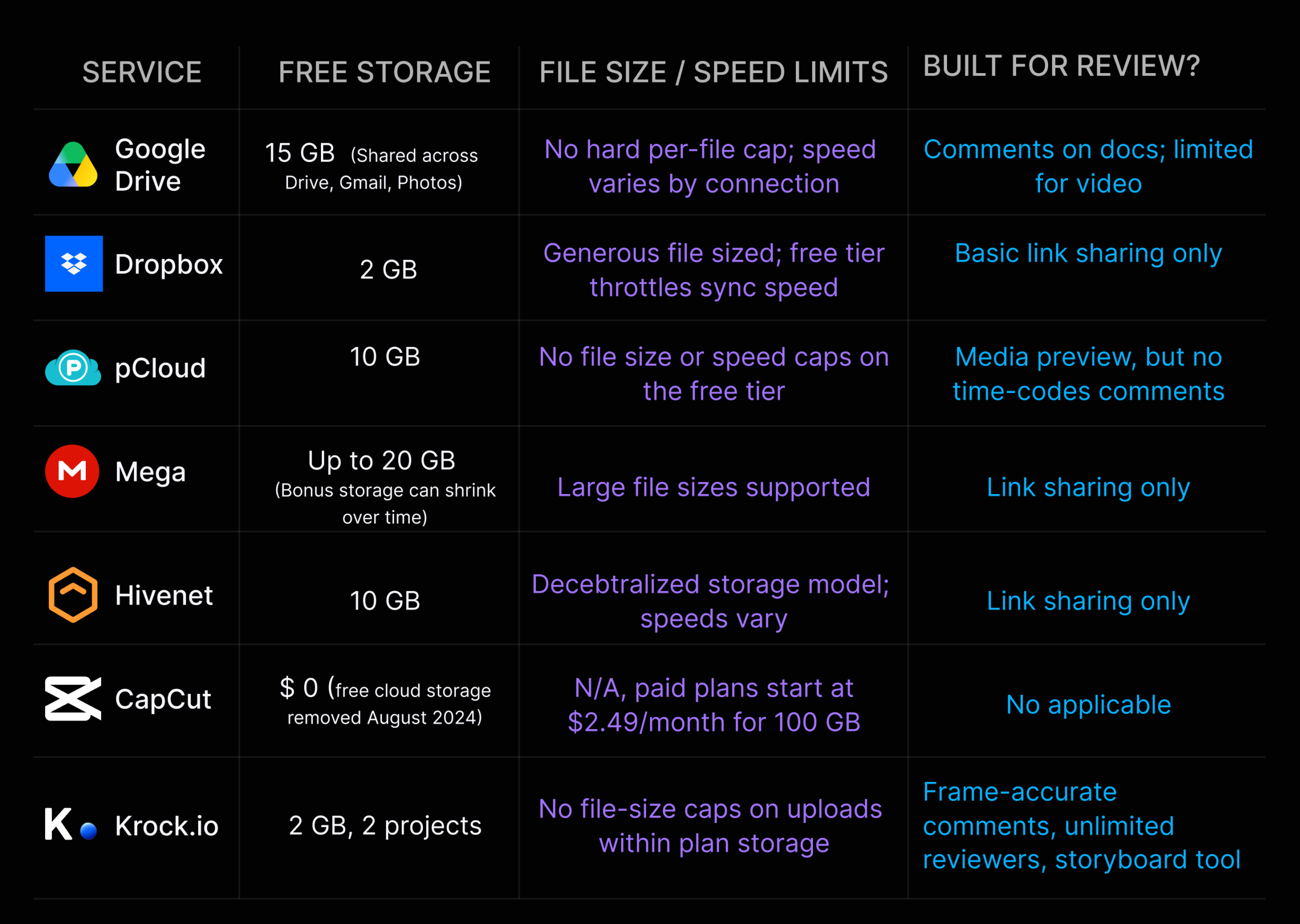
| Service | Free storage | File size / speed limits | Built for review? |
|---|---|---|---|
| Google Drive | 15 GB (shared across Drive, Gmail, Photos) | No hard per-file cap; speed varies by connection | Comments on docs; limited for video |
| Dropbox | 2 GB | Generous file sizes; free tier throttles sync speed | Basic link sharing only |
| pCloud | 10 GB | No file size or speed caps on the free tier | Media preview, but no time-coded comments |
| MEGA | Up to 20 GB (bonus storage can shrink over time) | Large file sizes supported | Link sharing only |
| Hivenet | 10 GB | Decentralized storage model; speeds vary | Link sharing only |
| CapCut | $0 (free cloud storage removed August 2024) | N/A, paid plans start at $2.49/month for 100 GB | Not applicable |
| Krock.io | 2 GB, 2 projects | No file-size caps on uploads within plan storage | Frame-accurate comments, unlimited reviewers, storyboard tool |
A few things stand out. Google Drive’s 15 GB looks like the clear winner on paper, but it’s shared with your email and photo backups, for anyone already using Gmail heavily, the real number is smaller. pCloud’s 10 GB with no file-size or speed caps makes it one of the most practical free options for moving video files around. And CapCut, despite still appearing on several 2026 “best free cloud storage” lists, no longer offers free cloud storage at all, its plans now start at $2.49 a month for 100 GB.
None of the storage-first options in this table were built with a review step in mind. That gap is the subject of the next two sections.
How far does free storage actually go for a real project?
Storage comparisons rarely translate gigabytes into something a video team can plan around. Here’s the math.
A 5-minute video exported in 4K at common settings typically runs 1 to 3 GB, depending on bitrate and codec. A 1080p export of the same length is usually 200 to 500 MB. That means:
- A 2 GB free plan (Dropbox) holds roughly one finished 4K cut, and nothing else. No raw footage, no alternate versions, no project files.
- A 10 GB free plan (pCloud, Hivenet) holds around 3 to 5 finished 4K exports, or considerably more at 1080p, enough for a handful of versions across a short project, but not for storing source footage.
- A 15 to 20 GB free plan (Google Drive, MEGA) stretches further, but remember Drive’s allocation is shared with everything else in your Google account.
The pattern that catches most teams off guard: free storage doesn’t run out gradually. It runs out the moment you upload your first round of revisions alongside the original cut, because video projects rarely produce just one file. A typical review cycle generates a draft, one or two revised versions, and a final delivery file, and storage that looked comfortable for “one video” fills up after the first round of notes.
If you’re regularly working with raw footage, project files, and multiple export versions, plan for free storage to cover a single short project at most, not an ongoing workflow.
The part free storage doesn’t solve: getting feedback on what you uploaded
Here’s a scenario that plays out constantly for small video teams. A two-person studio finishes the first cut of a client project and uploads it to their Dropbox free plan, 2 GB, mostly used up by that one export. They send the client a share link.
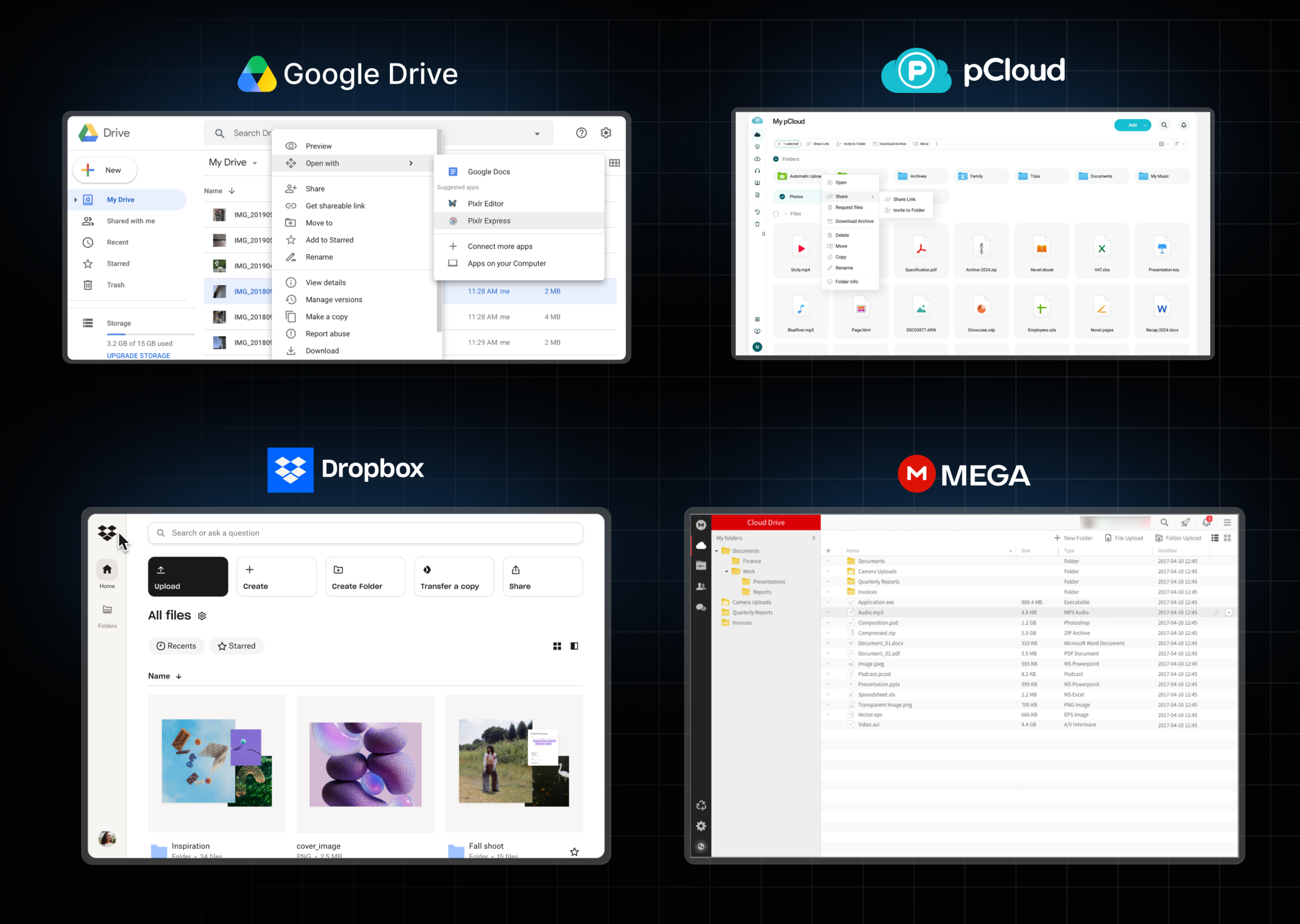
The client watches it, then sends notes back over email. A few hours later, a second stakeholder adds comments in a Slack thread. By the time the editor sits down to make revisions, the feedback is split across three places, none of which point to a specific moment in the video. Just timestamps typed out by hand: “the bit around 0:45” or “near the end, maybe 3 minutes in.”
Then, a week later, the client tries to reopen the original share link to compare it with the new version, and Google Drive’s link sharing doesn’t make it easy to manage who still has access or for how long. The team spends almost as much time tracking down feedback and managing links as they did on the actual revision.
This is the half of the problem that free cloud storage was never built to solve. Storing a file and getting useful feedback on it are two different jobs. Online proofing software exists specifically to close that gap, comments attach to an exact frame or timestamp, instead of living in a separate email or chat thread.
Krock.io’s video proofing tools work this way by design: reviewers open a video in the browser, drop a comment on the exact frame they’re talking about, and the editor sees every note in one place, version history included, so there’s no need to keep multiple share links alive just to compare cuts.
Signs you’ve outgrown free cloud storage (and what to do next)
Free cloud storage usually doesn’t fail all at once. It tends to fail in small, specific ways that add up. Here’s what to watch for, and what each one means.
1. You’re deleting old projects to make room for new ones. If finishing a new project means clearing out a finished one, your storage is no longer “free”, it’s costing you the ability to revisit past work, which clients sometimes ask for months later.
2. You’re sending files a different way than you’re storing them. If your day-to-day storage is Dropbox or Drive, but you reach for a separate transfer tool every time a file is too big to share normally, that’s a sign your storage and your delivery method have already split apart. Our guide to sending large files easily covers options for that specific gap.
3. Clients are asking “which version is this?” Once a project has more than two or three rounds of revisions, free storage with no version history becomes a liability, old and new files sit side by side with similar names, and someone eventually reviews the wrong one.
4. You’re managing more share links than you can track. Every new round of feedback that goes out as a fresh link is one more thing to remember to revoke later. If you’ve lost track of how many active links exist for a finished project, that’s worth fixing before it becomes a security question, not just an organization one.
When any of these start happening regularly, it’s less about needing more storage and more about needing a workflow built around versions and review. For a broader look at how other teams handle file sharing at this stage, see our roundup of ways to share video files online.
Best practices for using free cloud storage as a video team
If you’re staying on a free plan for now, and for small or occasional projects, that’s often the right call, a few habits make it last longer and cause fewer headaches.
Separate “working” files from “delivery” files. Keep raw footage and project files in one place (even if that’s local storage or an external drive) and reserve cloud storage for files you’re actively sharing. This alone can cut your cloud usage by more than half.
Name versions clearly and consistently. A simple pattern like projectname_v1, projectname_v2_final prevents the “which version is this?” problem long before it becomes one, especially when there’s no built-in version history to fall back on.
Set a reminder to clean up share links after a project closes. Free plans rarely surface a list of every link you’ve ever created, so an old link can stay live long after a project ends. A monthly check-in on active links is a small habit that avoids a bigger problem later.
Match the tool to the task. Use cloud storage for storage, and a dedicated review tool for feedback. Trying to make one tool do both is usually where free plans run out fastest, both in storage and in patience.
FAQ
Is CapCut’s cloud storage still free?
No. CapCut removed its free cloud storage tier in August 2024. Its paid storage plans now start at $2.49 per month for 100 GB. Several older “free cloud storage” roundups still list CapCut as a free option, that information is out of date.
How much free cloud storage do I need for video editing?
It depends on resolution and project length, but as a rough guide, a 5-minute 4K export runs 1 to 3 GB. A 2 GB free plan typically holds one finished cut with no room for revisions, while a 10 GB plan covers several versions of a short project.
What’s the best free cloud storage for sharing videos with clients?
pCloud’s 10 GB free tier has no file-size or speed caps, making it one of the more practical options for moving video files. For client review rather than just file delivery, a dedicated proofing tool with a free plan, like Krock.io, adds comment and approval features that plain storage doesn’t.
Can clients leave feedback on files stored in free cloud storage?
Only in limited ways. Most free cloud storage plans support basic link sharing or general document comments, but not frame-accurate video feedback. For time-stamped comments on a specific moment in a video, you’ll need a tool built for media review.
Key takeaways
Free cloud storage for video teams in 2026 still has real options, Google Drive’s 15 GB, pCloud’s 10 GB with no file-size caps, and Krock.io’s 2 GB with unlimited reviewers all serve different needs. But three things matter more than the storage number alone:
- Verify the numbers before you plan around them. CapCut’s free storage is gone, and other providers adjust limits often.
- Do the math on your actual project size, not just the headline gigabytes, most free plans hold less than teams expect once revisions enter the picture.
- Remember that storage and review are separate problems. A free plan that holds your files doesn’t necessarily help your client give you useful feedback on them.
This week, check your current storage usage against the limits above and see how many revision rounds you actually have room for. If feedback is the part that’s slowing you down rather than storage itself, Krock.io’s free plan pairs 2 GB of storage with frame-accurate review tools and unlimited reviewers, no credit card required to start.



