




Most teams don’t have a content quality problem. They have a content review problem.
The creative work is there. The video is well-edited, the design is strong, the copy is tight. But it arrives to the client late, because it spent two weeks in a review cycle that should have taken two days. Comments came in from four different directions, one stakeholder’s notes contradicted another’s, and someone discovered on the final call that the version everyone approved last Friday was version 3, not version 5.
Content review is the stage in the marketing production process where work most commonly gets lost, duplicated, contradicted, or delayed. These eight practices fix the most common failure points.
Why internal and external review need to be managed differently
Internal review and external client review have different goals, different participant expectations, and different failure modes. Treating them as the same process is the source of most content approval problems.
Internal review is a working process: team members share rough work, debate direction, catch errors, and align on a consolidated position before anything external-facing is sent. Participants have context. They understand the brief, the brand, and the revision history. Notes can be candid and exploratory.
External review is a decision process: the client or stakeholder reviews near-final work, confirms it meets the brief, and either approves or provides specific revision instructions. Participants may not have deep context. Notes should be actionable and final — not working conversation.
The mistake most teams make is running both processes on the same channel, with the same people, at the same time. Internal debate visible to clients undermines confidence. Client-facing questions visible to the internal team create noise. Keeping them separate protects both.
Practice 1: Separate internal and external review channels
Run internal review to resolution before sharing with any external stakeholder. Internal notes, debates about direction, and exploratory questions belong in a channel that clients never see.
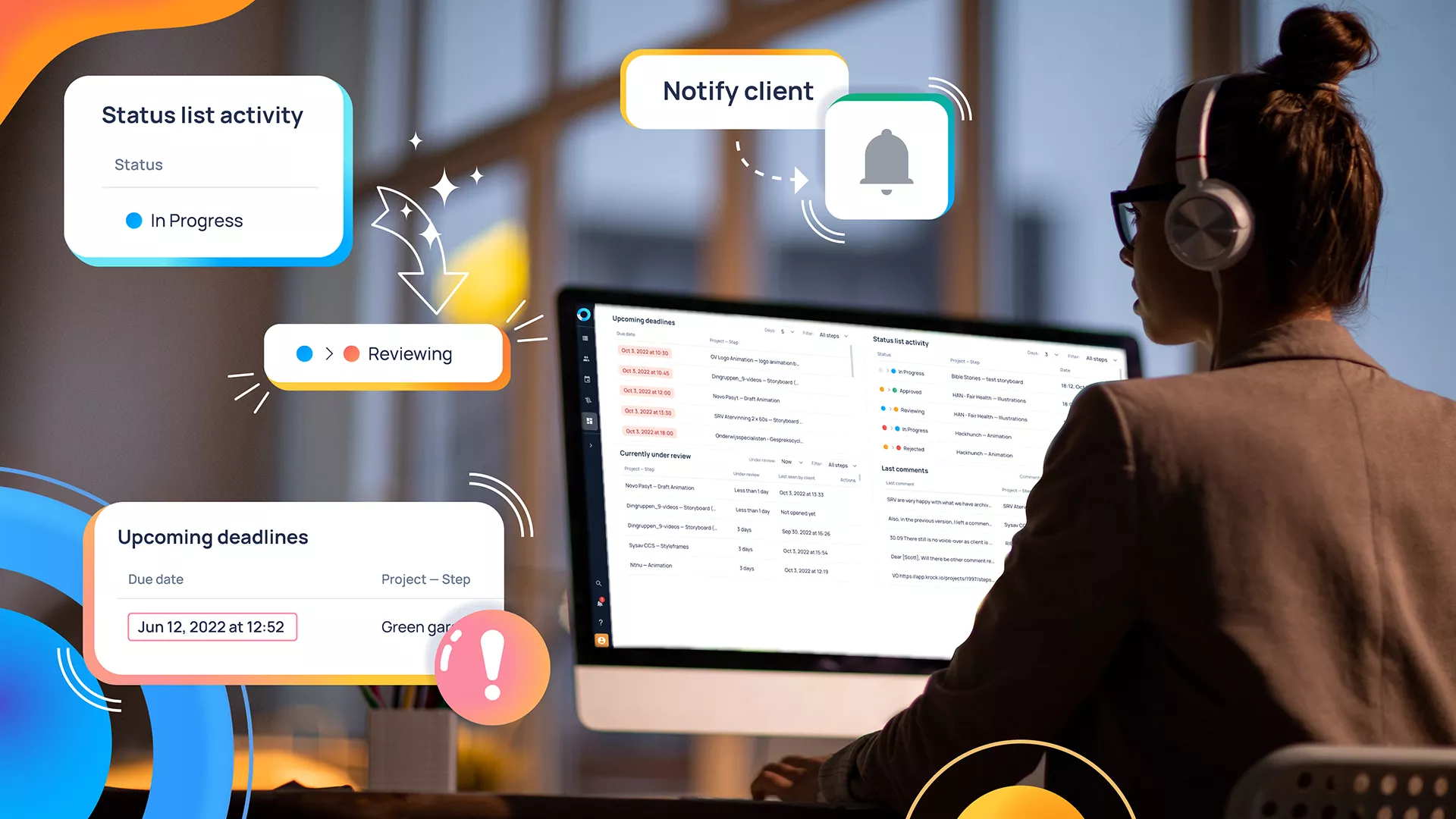
Online proofing for creative teams that supports role-based visibility — internal team sees everything, external reviewers see only what’s been shared with them — enforces this separation without requiring manual management. The internal discussion happens in the same interface as the client review, but stays invisible to external participants until your team is ready.
The practical result: clients receive consolidated, resolved feedback requests from a single team voice, not a log of internal deliberation. This reduces client confusion, reduces the back-and-forth on intent, and speeds up the approval cycle.
Practice 2: Define who has approval authority before review starts
Nothing extends a content review cycle like ambiguity about who can approve. When four stakeholders review a campaign video and each of them can independently block approval, reviews iterate indefinitely until everyone is satisfied — regardless of whether their individual concerns are in scope.
Before sending any content for review, define:
- Who can approve — one or two people maximum for external sign-off
- Who can comment but not block — other stakeholders whose input is welcome but advisory
- What “approved” means — does it mean technically correct, brand-compliant, strategically aligned, or all three?
Document this in the project brief, not just communicated verbally. When it’s in writing, every participant knows their role and scope creep is easier to manage.
Practice 3: Send content in stages, not all at once
A single massive creative review package — video, copy, images, translations, landing page mock-up — is harder to review and slower to approve than the same content reviewed in planned stages.
Stage your review milestones:
- Concept/direction approval — rough outline, mood board, or storyboard before production
- First pass — rough cut or draft review for structural feedback
- Final review — near-complete work for approval-level feedback
Approval at each stage gates the next. A client who approved the storyboard concept doesn’t get to redesign the narrative at the fine cut review. This isn’t rigid; it’s protective — for both the client’s time and the production team’s.
Each stage should have a deadline. Content sits in review indefinitely when there’s no agreed-upon response window. A 48-hour review window per round is standard for marketing content; 24 hours for urgent campaign cycles.
Practice 4: Use timestamped, frame-accurate annotations for video
For video and motion content, vague feedback is the most expensive kind. “The pacing feels wrong” is not actionable. “At 0:42, the cut to the product shot happens too fast — hold on the presenter for 1 more second” is actionable.
Video proofing tools let reviewers click directly on the frame they’re referencing and leave a comment at that exact timestamp. The editor opens the review and sees every note ordered by timeline position — no time code mapping required. The note is at 0:42 because the reviewer clicked at 0:42.
This eliminates the most common revision miscommunication: the editor addresses the wrong moment because the feedback wasn’t specific enough. Frame-accurate annotations on video reduce revision rounds by removing ambiguity from the starting point.
Practice 5: Limit revision rounds contractually
Without a limit on revision rounds, content review becomes an indefinite process. Unlimited revisions invite stakeholders to keep refining indefinitely, often re-raising previously resolved issues or introducing scope changes under the cover of “revision requests.”
Define revision rounds in the project agreement or SOW: typically two rounds of client revisions are included, with additional rounds billable at a specified rate. When stakeholders know they have two rounds, they use those rounds more carefully — consolidating feedback rather than sending piecemeal notes across multiple sessions.
For agencies, including revision limits in client contracts is one of the most effective ways to control project economics. Understanding how to manage client video revisions systematically — with documented processes and contractual structures — is the difference between profitable projects and ongoing revision debt.
Practice 6: Keep all feedback on one version at a time
The most expensive mistake in content review is working on two versions simultaneously without everyone knowing which is current.
Version confusion typically happens when feedback arrives on an outdated version. A client reviews version 3 while the team has moved to version 5. Their notes address issues already resolved in version 4. The team either needs to re-evaluate whether version 5 addresses the client’s version 3 concerns, or re-share version 5 and restart the review.
A review workflow that keeps one version per review round prevents this. Upload version 1 for internal review. Once internal review is resolved, upload version 2 for client review. Version 1 is archived, not deleted — accessible for comparison if questions arise. But only version 2 is in active review.
Practice 7: Get client feedback in one consolidated submission
Clients sending feedback in four separate emails across three days produce more revision rounds than clients sending consolidated feedback once.
Structuring the review environment to encourage consolidated submission — a deadline for feedback, a platform that aggregates all comments in one place — significantly reduces the fragmentation problem.
When collecting feedback, make the submission experience as easy as possible for the reviewer: one link, no login requirement, an interface intuitive enough that a non-technical client can leave precise notes without a tutorial. The harder the review experience is, the more feedback gets sent via email instead of through the structured channel.
Getting clients to provide good feedback is a skill separate from getting them to review at all. A guide on how to get client feedback on video covers the specific techniques that produce consolidated, actionable notes instead of vague impressions.
Practice 8: Document approvals formally
An informal approval — “yeah that looks good” in a Slack message, a “thumbs up” on a group message — creates ambiguity when disputes arise. What was the version? Who approved? When? Under what conditions?
For all significant marketing content, capture approvals formally:
- In the review platform (where the approval action is logged to a specific version at a specific time)
- In email for client deliverables (a reply-all confirmation that version X is approved for production/delivery)
- In the project management system (status changed to Approved with the approver’s name and date)
This isn’t bureaucracy — it’s protection. When a client requests changes to content after it was approved for production, the production company has documentation of when and what was approved. When a brand team disputes whether a piece of content went through the correct approval chain, the audit trail answers the question.
Conclusion
The eight practices here address the most common failure points in content review workflows: unclear ownership, mixed channels, version confusion, ambiguous feedback, and undocumented approvals. None of them require a new tool or a workflow overhaul — most can be implemented this week by adjusting existing processes.
The underlying principle: structured review processes don’t slow down creative work. They protect it. The creative team spends less time in revision cycles and more time producing when the review process is clear, organized, and time-bounded.
The teams consistently shipping marketing content on deadline aren’t necessarily faster creatively. They’re faster administratively — because their review and approval workflow is built to move, not to accumulate.
Build a marketing content review workflow that actually works. Try Krock.io free — unlimited reviewers, version tracking, formal approvals, no credit card required.



