


TL;DR
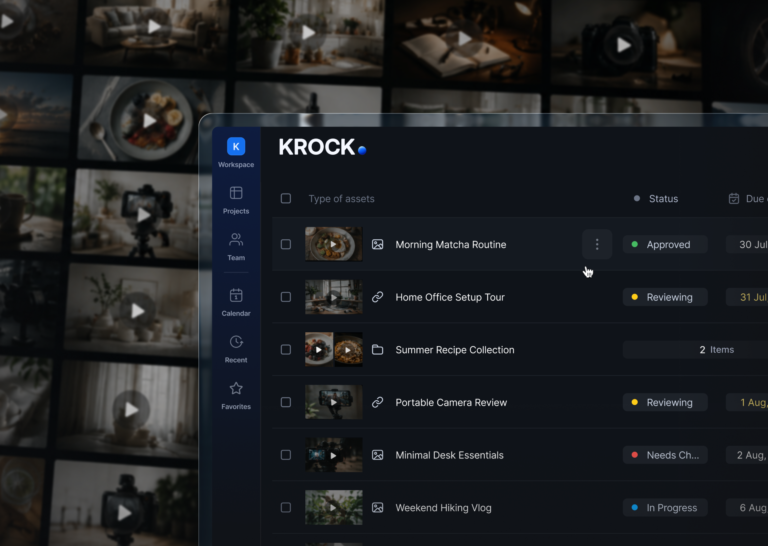
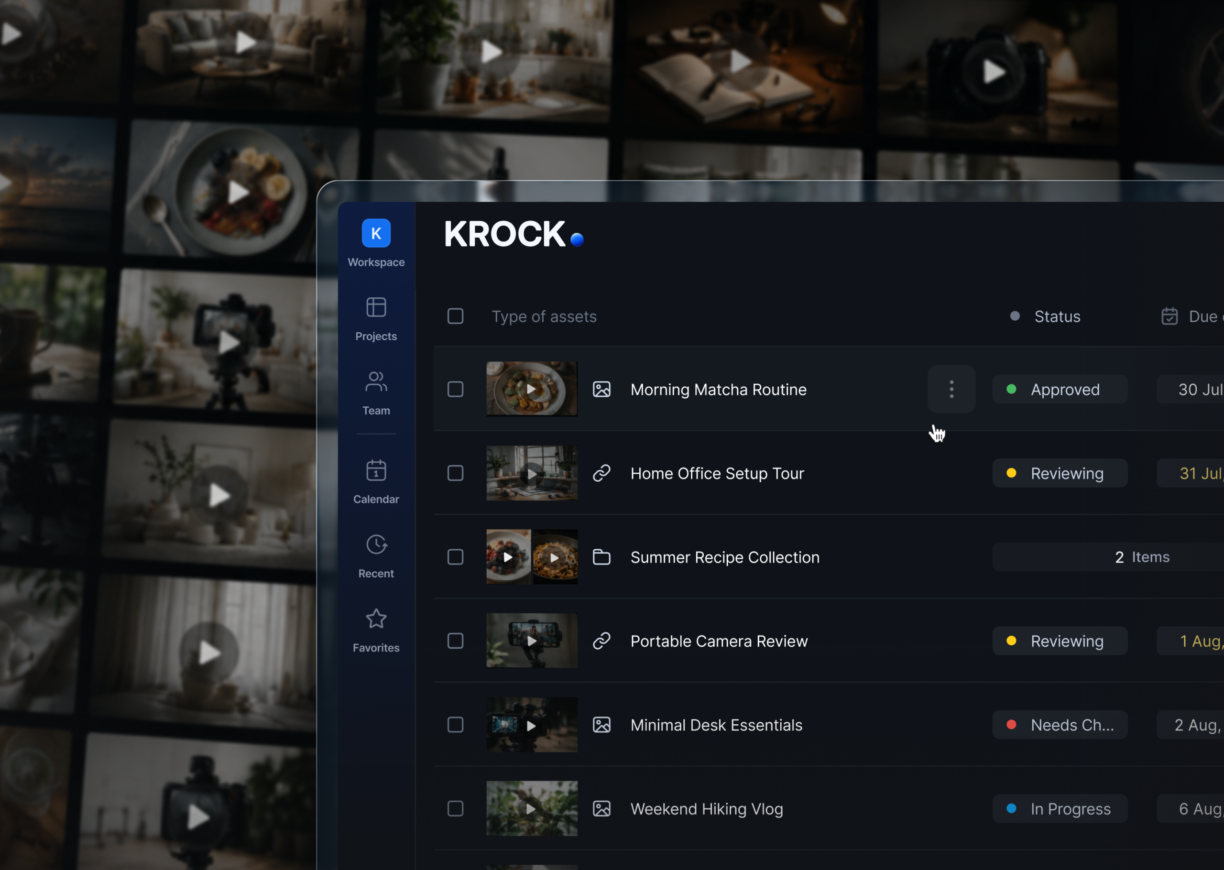
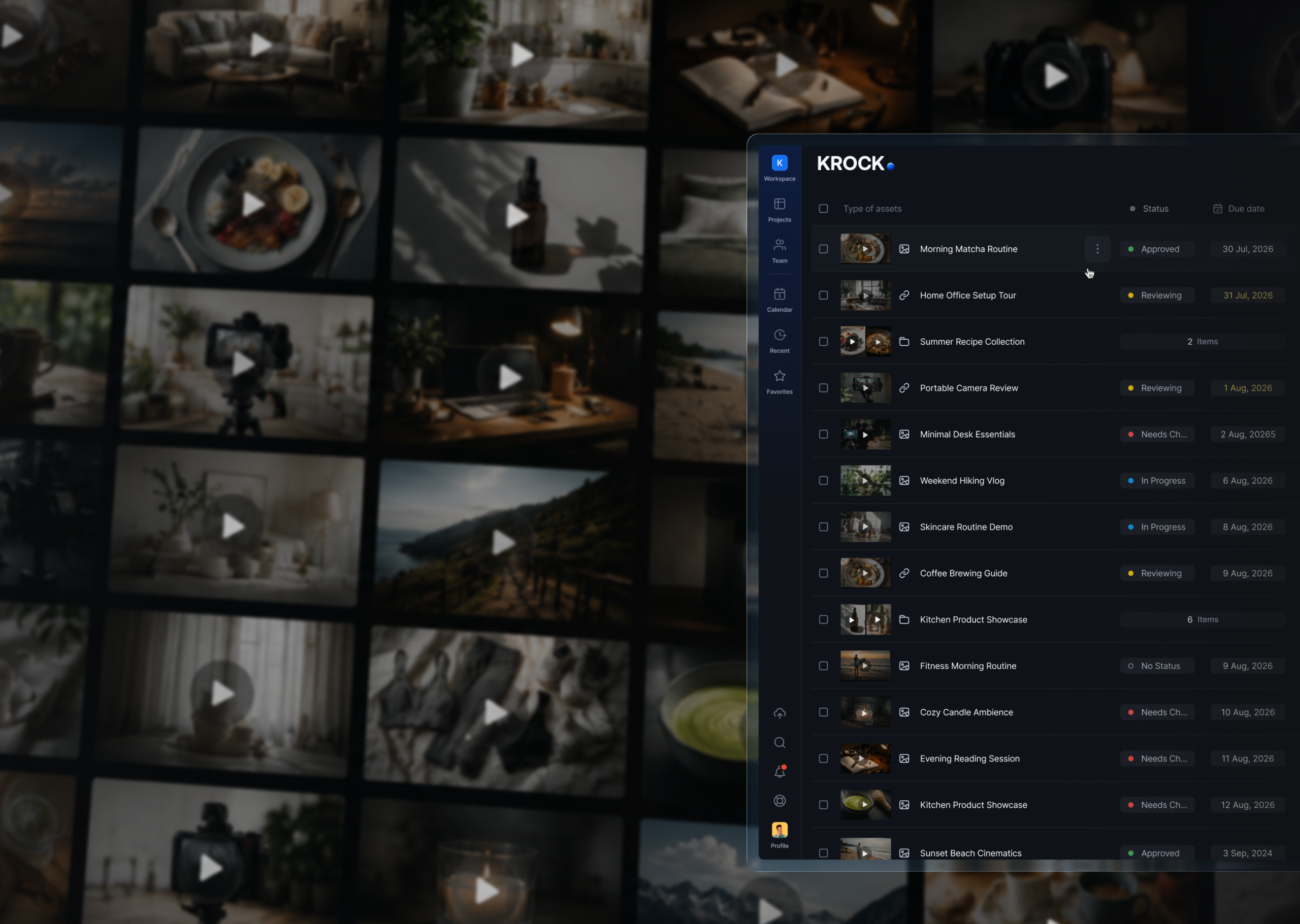
– A UGC or short-form video agency doesn’t manage “projects.” It manages hundreds of individual video assets a month, each needing its own status, due date, and sign-off.
– Generic project management software tracks tasks, not assets. Past roughly 30–40 active videos, editors lose track of what’s approved, what’s still in revision, and what a client never actually saw.
– TikTok alone rewards one to three posts a day per account, according to Sprout Social’s 2026 posting benchmarks. A UGC agency running five client accounts across TikTok, Reels, and Shorts can easily be producing 150 to 450 videos a month.
– The fix isn’t a bigger spreadsheet. It’s UGC content agency software that tracks approval status per video and doesn’t charge extra as your client roster and review team grow.
Every Monday morning, a producer named Priya opens her team’s board. It isn’t sorted by client. It’s sorted by video: 214 individual rows, each one a 30-second TikTok cut waiting on a status of approved, in revision, or untouched.
If you run a UGC content agency, that scene probably looks familiar. A “project” in your world doesn’t mean one finished deliverable. It means a batch of dozens, sometimes hundreds, of short videos moving through review at the same time, for multiple clients, on different timelines.
This article covers what UGC content agency software actually needs to do differently from the tools built for ad agencies producing a handful of hero videos a quarter, and how to structure an approval workflow that survives the volume. Whether your team calls itself a UGC video agency, a short-form video agency, or just “the shorts team,” the tooling problem is the same.
The volume keeps climbing because UGC works. 93% of marketers say user-generated content outperforms brand-generated content, and 92% say it increases brand awareness, according to HubSpot’s 2026 Social Media Marketing Report. That performance is exactly why clients keep asking for more shorts, and why the tooling problem below shows up so fast.
Why UGC content agencies outgrow generic project tools
Most agencies start in a spreadsheet. It works fine at first: one tab per client, a column for status, maybe a linked Google Drive folder for the raw files.
It stops working around the point where an editor is juggling three clients and 40 active shorts at once. At that scale, “in revision” in a spreadsheet cell doesn’t tell anyone which comment triggered the revision, which version the client actually looked at, or whether the feedback was left by the client’s brand manager or their intern.
Priya’s team hit that wall at 12 active clients. Her studio, a six-person UGC shop producing content for direct-to-consumer skincare and supplement brands, was tracking status in a shared spreadsheet and routing files through Slack threads.
By the time they onboarded their fifth client with a serious posting cadence, three things happened in the same week. A client approved a cut that had already been superseded by a newer edit. An editor spent an afternoon re-uploading a file because nobody could find the latest version. A brand’s in-house social manager left feedback in a Slack DM that never made it into the shared thread.
None of that was a people problem. It was a tooling problem. Generic project management software organizes work around tasks and projects. UGC content agency software, sometimes called content operations software or a social media content approval tool depending on who’s searching for it, needs to organize work around individual media assets, because that’s the actual unit of production.
Want to see what a purpose-built review layer looks like instead of a spreadsheet? Krock.io’s online proofing for creative teams tracks status, comments, and approvals per asset, not per project, so a batch of 200 shorts doesn’t collapse into one undifferentiated to-do list.
What UGC content agency software needs to do differently
A tool built for single-deliverable creative work (a 60-second commercial, a brand film) makes reasonable assumptions that break down at UGC volume. Here’s what actually needs to change.
- Status per asset, not per project. Each video needs its own approval stage. A client shouldn’t have to ask “which of the 40 videos are we still waiting on?”
- A due date per video, not one deadline for the batch. UGC agencies typically stagger delivery across a posting calendar, not a single launch date.
- Reviewers who don’t cost extra. Client-side stakeholders, brand managers, sometimes a whole marketing team, need to weigh in without the agency paying a per-seat fee for each one. (Here’s how to share marketing content for review without chasing everyone over email.)
- Internal notes separated from client-facing comments. An editor flagging a technical issue to a teammate shouldn’t be visible to the client reviewing the same asset.
- Batch upload and bulk status changes. Uploading and organizing 50 videos one at a time isn’t a workflow, it’s a bottleneck.
The scale math explains why this matters more for UGC agencies than almost any other creative segment. According to Sprout Social’s 2026 posting benchmarks, TikTok rewards one to three posts a day per account for consistent reach, while Instagram Reels performs best at four to seven posts a week. Multiply that across even five client accounts spanning two platforms, and an agency is realistically producing somewhere between 150 and 450 individual videos a month. Multiply it across ten clients, and generic tools don’t just slow down, they stop being usable. For the full posting-frequency breakdown by platform, see our short-form video statistics research.
Ready to see how status tracking works at this volume? Krock.io’s project management for creative teams is built around stages that move with the asset, not a task list you have to maintain by hand.
The real cost of managing shorts production in spreadsheets and Slack
The cost of the wrong tool doesn’t show up as a line item. It shows up as time nobody accounted for.
StreamWork’s 2025 approval study of 500 U.S. marketing and advertising professionals found that over 60% spend up to one full day of their workweek chasing approvals across email, Slack, voice notes, and shared documents. (More in our video marketing statistics and video production statistics hubs.) For a UGC agency running five editors, that can add up to a full-time employee’s worth of time spent on nothing but tracking down where feedback lives.
Here’s how three common setups compare at the scale most UGC agencies actually operate at: five editors producing content, plus 15 client-side reviewers across their accounts.
| Setup | Monthly cost for 5 editors + 15 reviewers | Status tracking | Client reviews without login |
|---|---|---|---|
| Spreadsheet + Slack | $0 in tool fees, up to a day per person per week lost chasing approvals (StreamWork, 2025) | Manual, one cell per video, no version history | No, requires Slack or Drive access |
| Asana Advanced | $24.99/user/month billed annually; $499.80/month if all 20 people need seats | Task-based, not built around media versions | Only if reviewers are paid seats |
| Krock.io Pro | $10/editor/month = $50/month for 5 editors; reviewers are unlimited and free | Native per-asset stage, tied to the video itself | Yes, shareable link, no account needed |
Marcus ran into the middle row of that table firsthand. His eight-person UGC studio added Asana when the spreadsheet broke down, and it solved the task-tracking problem for about two months. Then a client asked to add four people from their marketing team to review upcoming content, and Marcus realized each of them needed a paid seat just to leave a comment on a video. The tool that was supposed to save money started charging by the headcount of people who weren’t even doing the work.
That’s the seat-fee trap most ugc content agency software choices run into: pricing built around internal team size, applied to a workflow where the client’s review team can outnumber the agency’s production team.
How to structure an approval workflow for 100+ shorts a month
Volume doesn’t have to mean chaos. Here’s how to structure the workflow once you’re past the point where a spreadsheet can hold it.
- Group by client, track by asset. Keep one project per client so files don’t cross-contaminate, but give every individual video its own row, status, and due date inside that project.
- Standardize your stages. A simple sequence works for most UGC agencies: Draft → Internal Review → Client Review → Revision → Approved. Every video moves through the same stages so status is instantly readable across the whole batch.
- Set a due date per video that matches your posting calendar. If a client posts Monday, Wednesday, and Friday, the videos due for each slot should carry their own deadline, not share one deadline for the week.
- Invite the full client review team on day one. Since reviewers should never cost extra, there’s no reason to gatekeep who gets a review link. More eyes early means fewer surprise revisions late.
- Keep internal notes separate from client comments. Flag technical issues, music licensing questions, or “this take is rough” notes somewhere the client never sees.
Priya’s team rebuilt their process around exactly this structure after the version-control incident. Six months later, their editor headcount hadn’t changed, but their active client count had grown from 12 to 19. The difference wasn’t more people. It was that every video had its own trackable status, so nobody had to ask “where are we on this one” in a Slack thread anymore.
Per-seat pricing doesn’t scale with UGC content agency headcount
Most creative review tools were priced for a world where the people reviewing content are internal editors and one or two client stakeholders. UGC content agencies break that assumption immediately, because the review team is often the larger group.
Frame.io and Wipster both charge $250 a month for 10 users. Ziflow runs $249 a month for 15 to 20 users. None of those figures account for the fact that a single UGC client relationship might involve a brand manager, a social lead, a founder who wants final sign-off, and a compliance reviewer, four extra “users” per client before an agency has added a single editor. Krock.io’s pricing comparison page breaks down the full cost gap by team size.
Krock.io’s model separates the two groups entirely. Editors pay $10 a month on the Pro plan; reviewers, no matter how many, are free on every plan. For an agency with five editors and a client roster that adds up to 30 or 40 reviewers across every brand, that’s the difference between $50 a month and a bill that scales with every stakeholder a client decides to loop in.
Start your free trial and invite your entire client review roster from day one, no credit card required, and no per-seat surprise when a client adds someone new.
Frequently asked questions
What makes UGC content agency software different from regular project management tools?
UGC content agency software tracks status and approvals per individual video asset, not per project or task. Regular project management tools like Asana or Monday.com organize work around tasks, which breaks down once an agency is managing 50 or more videos moving through review at different stages simultaneously.
How many client reviewers should a UGC agency expect to manage?
It varies by client, but agencies commonly see three to five stakeholders per brand: a social manager, a brand lead, sometimes a founder or compliance reviewer. Across ten clients, that’s 30 to 50 reviewers, which is why tools charging per reviewer seat become expensive fast for UGC-focused agencies.
Can clients review short-form video content without creating an account?
Yes, on platforms built for external review. Krock.io generates shareable review links that clients open directly, leave time-stamped comments on, and approve without signing up or installing anything. This removes the biggest adoption barrier for client teams unfamiliar with production software.
How much does UGC content agency software typically cost?
Pricing varies widely by model. Per-seat tools like Frame.io or Wipster run $250 a month for 10 users and charge for every reviewer added. Krock.io’s Pro plan is $10 per editor per month with unlimited free reviewers, so a five-editor agency pays $50 a month regardless of how many client stakeholders are added.
The bottom line for scaling UGC content production
Spreadsheets and generic project tools work fine until a UGC content agency crosses roughly 30 to 40 active videos a month. Past that point, the agencies that keep growing are the ones that switch from tracking projects to tracking individual assets, with a status, a due date, and a reviewer list attached to every single video.
That shift doesn’t require a bigger team. It requires software built around how UGC production actually works: high volume, staggered deadlines, and client review teams that can outnumber the agency itself.
If your team is still managing shorts production in a spreadsheet, see how Krock.io’s software for creative agencies compares, or start a free trial and set up your first client batch in under ten minutes.



